The Ultimate Control Panel for Modern Web Hosting
Effortlessly deploy and manage WordPress, Node.js, AI applications, and static sites. Complete with automated backups, free SSL, reseller tools, and a powerful API.




Apps, Domains & Hosting Tools
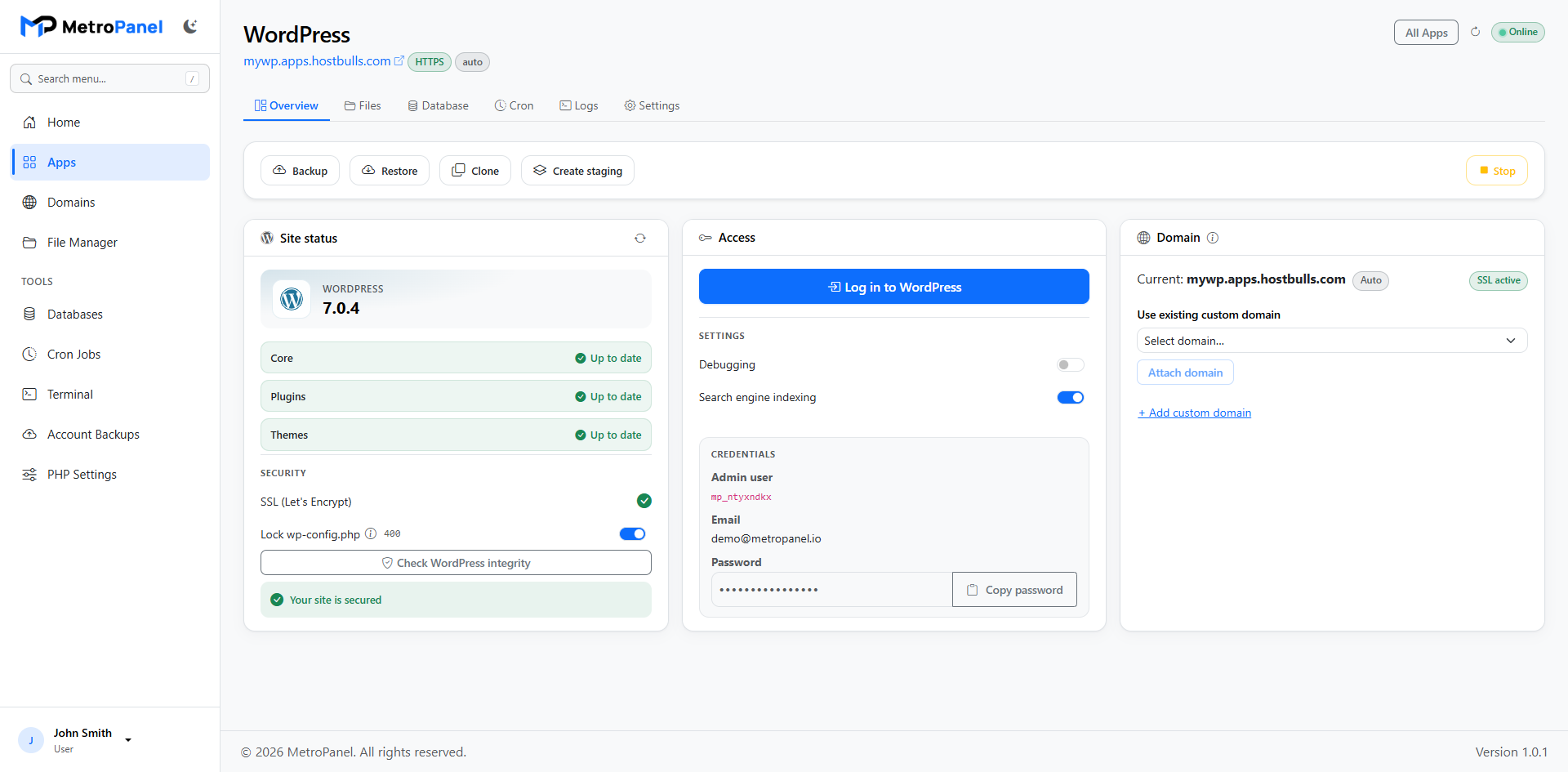
Install WordPress in one click. Manage files, database, cron, and logs from one place — plus staging to test safely before going live.
Run Node apps with automatic restarts. Install from ZIP or Git, then pull updates and rebuild when you are ready.
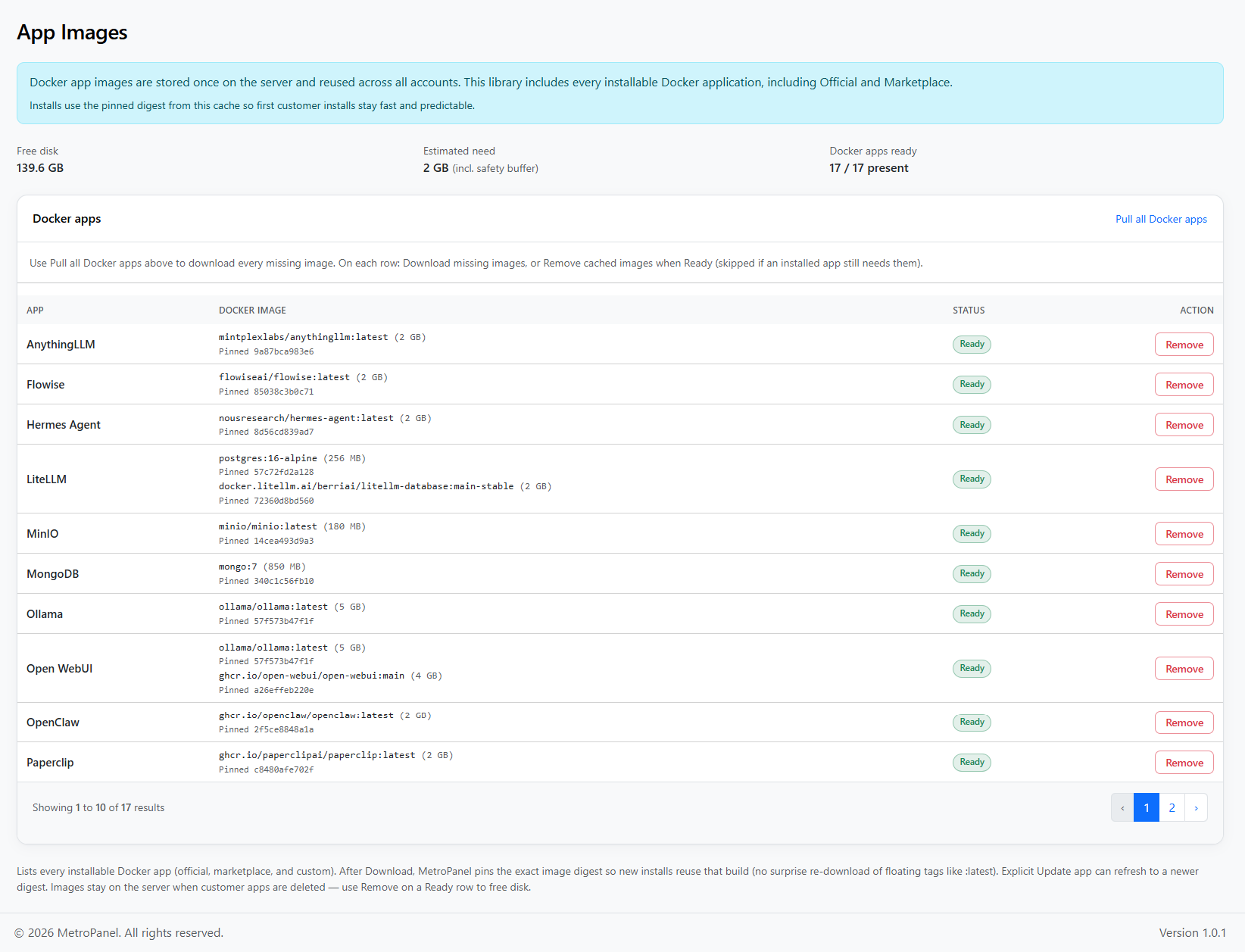
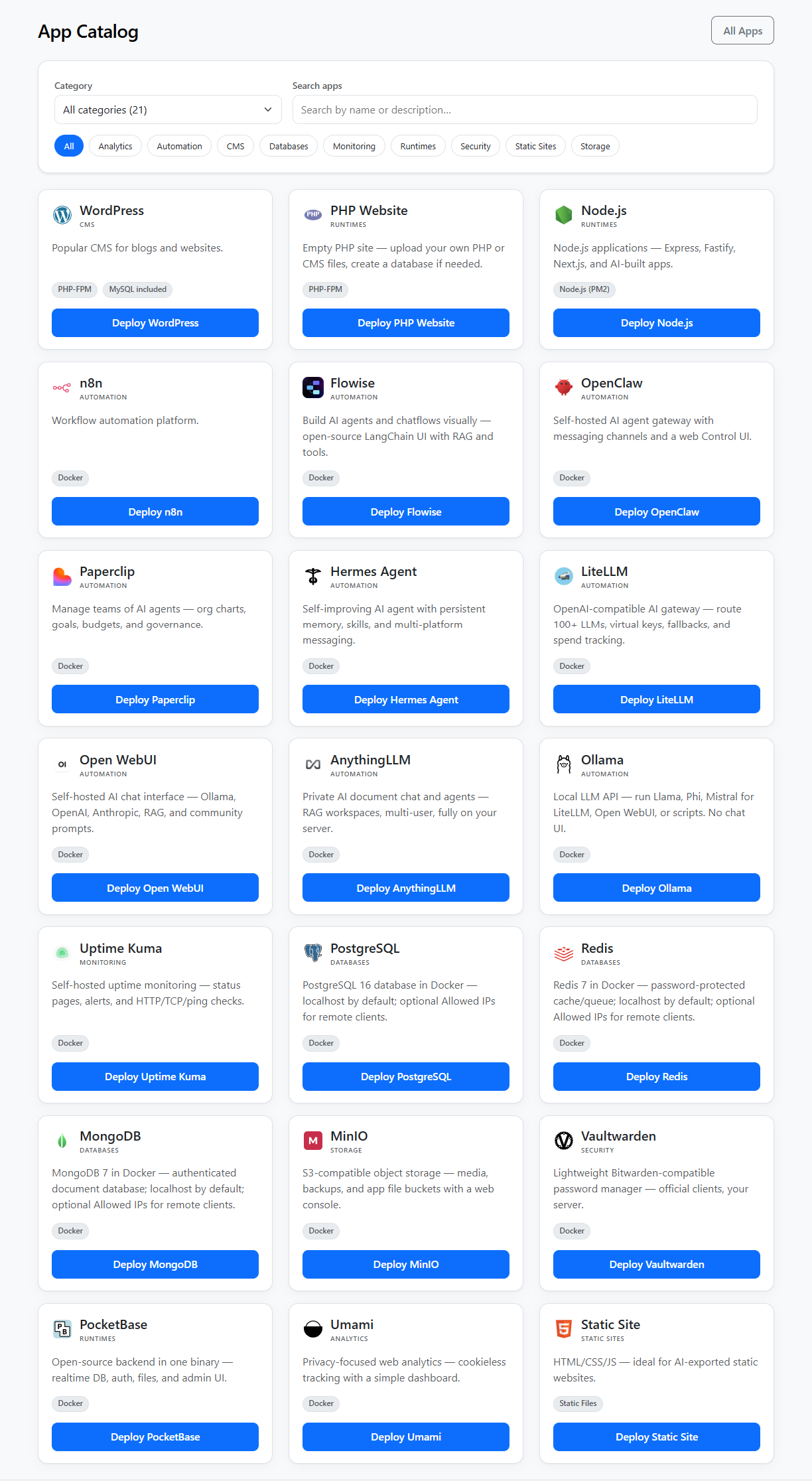
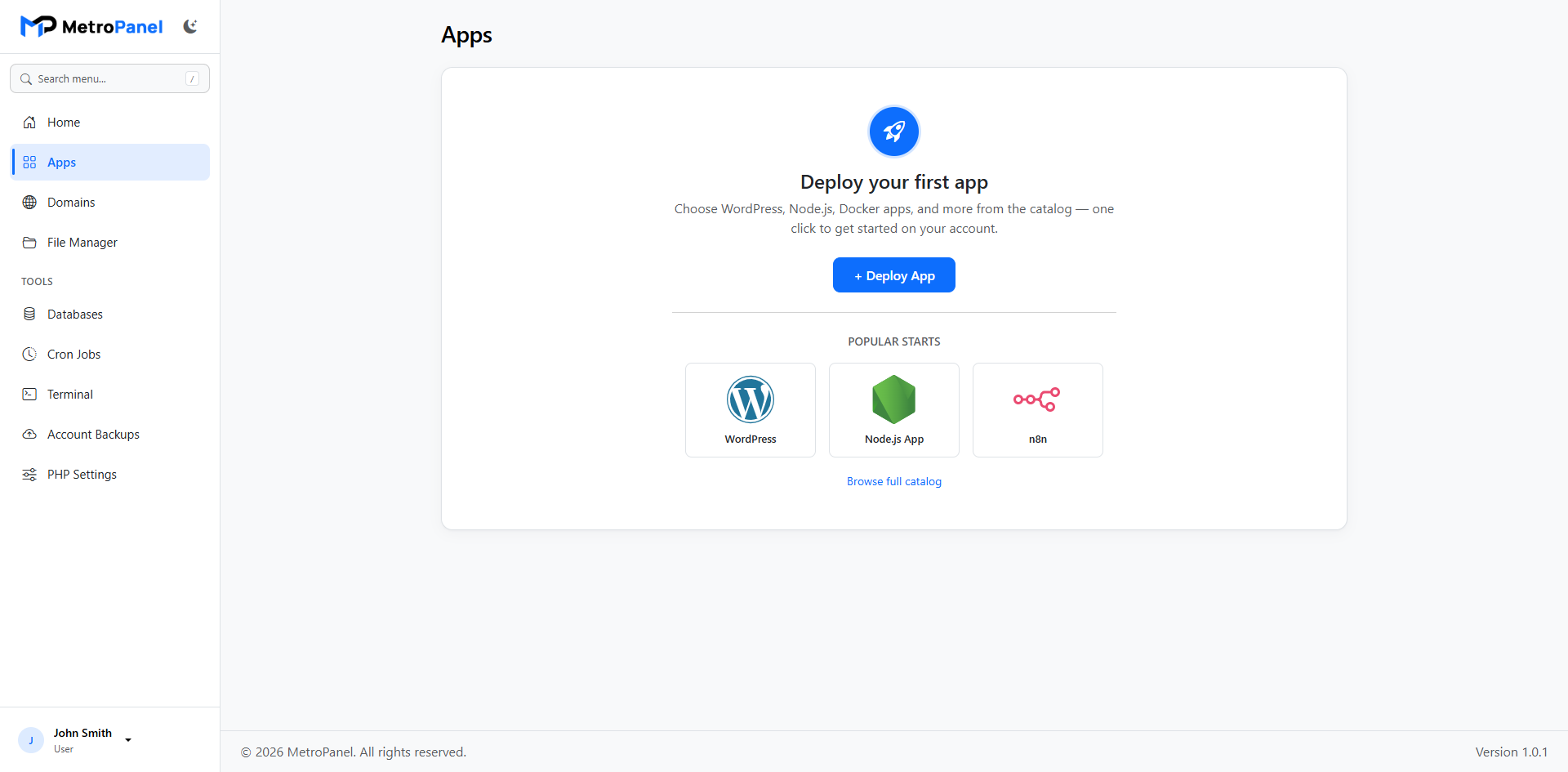
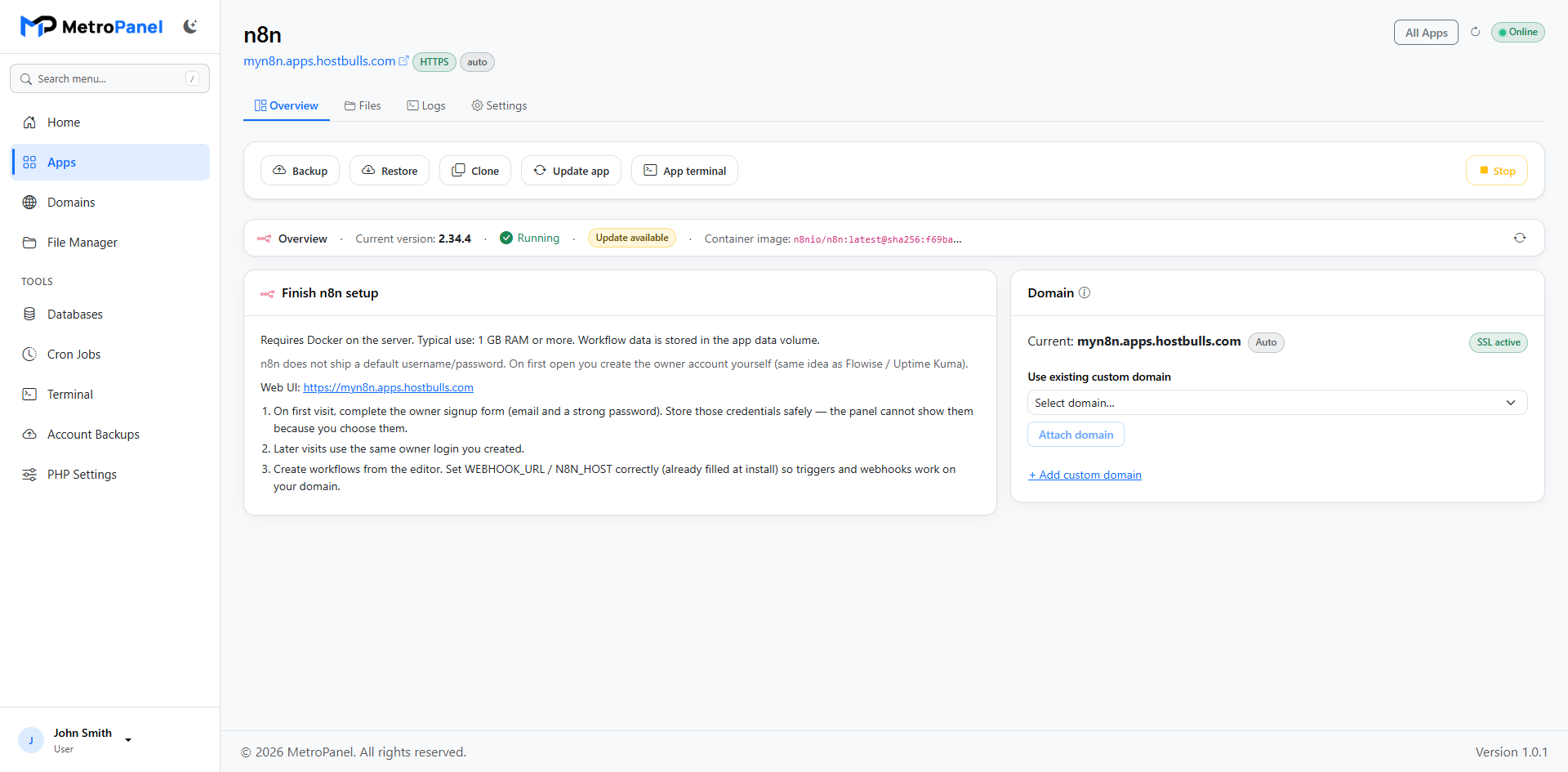
Launch ready-made apps like n8n from the catalog. Manage settings, logs, and backups from the same app screen.
Host simple websites and frontends with free SSL and a clean placeholder until your content is ready.
One hub per app for overview, files, database, cron, logs, and settings — including backup, restore, and clone.
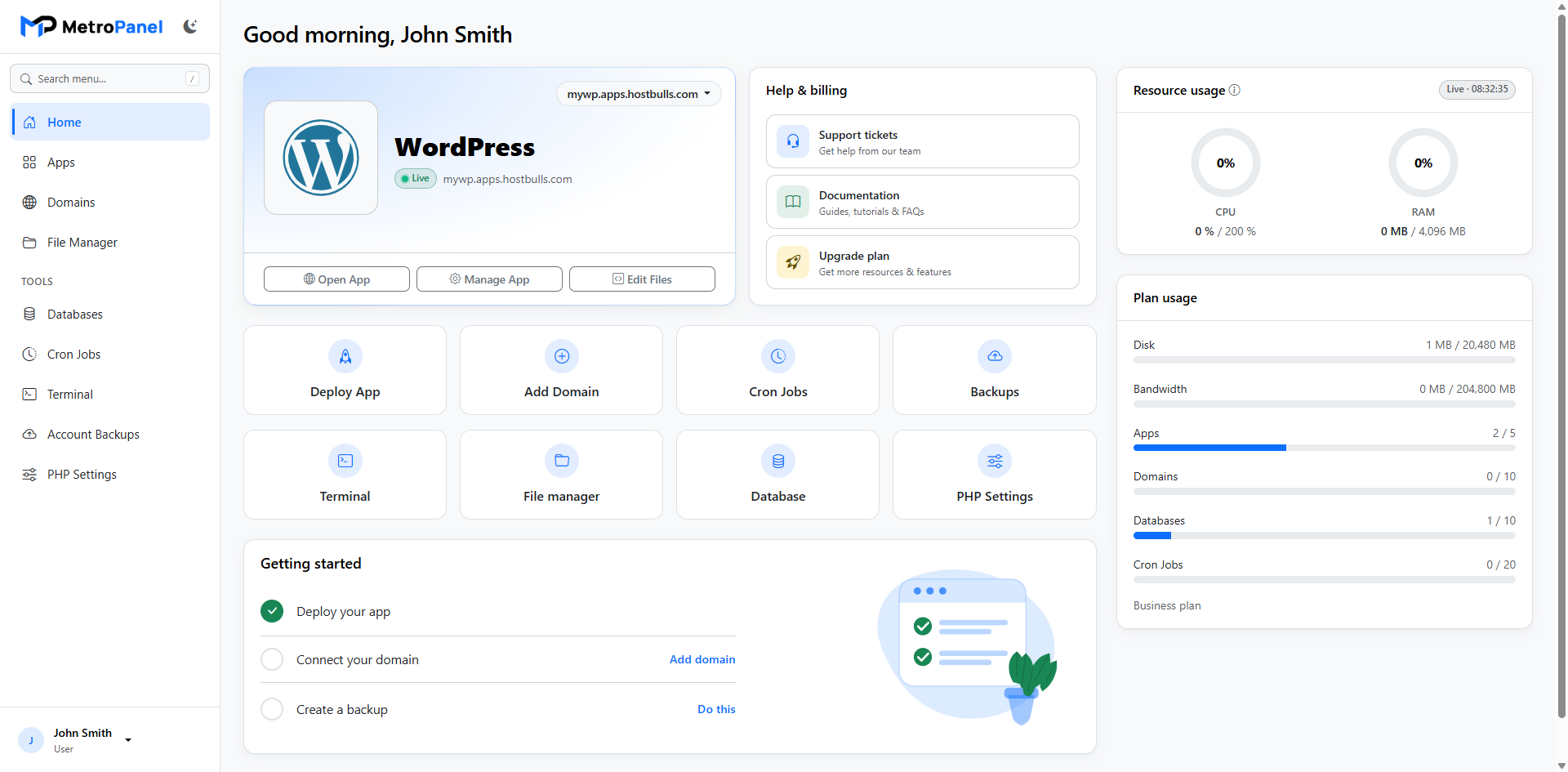
See which apps are online or offline at a glance on the apps list and customer home.
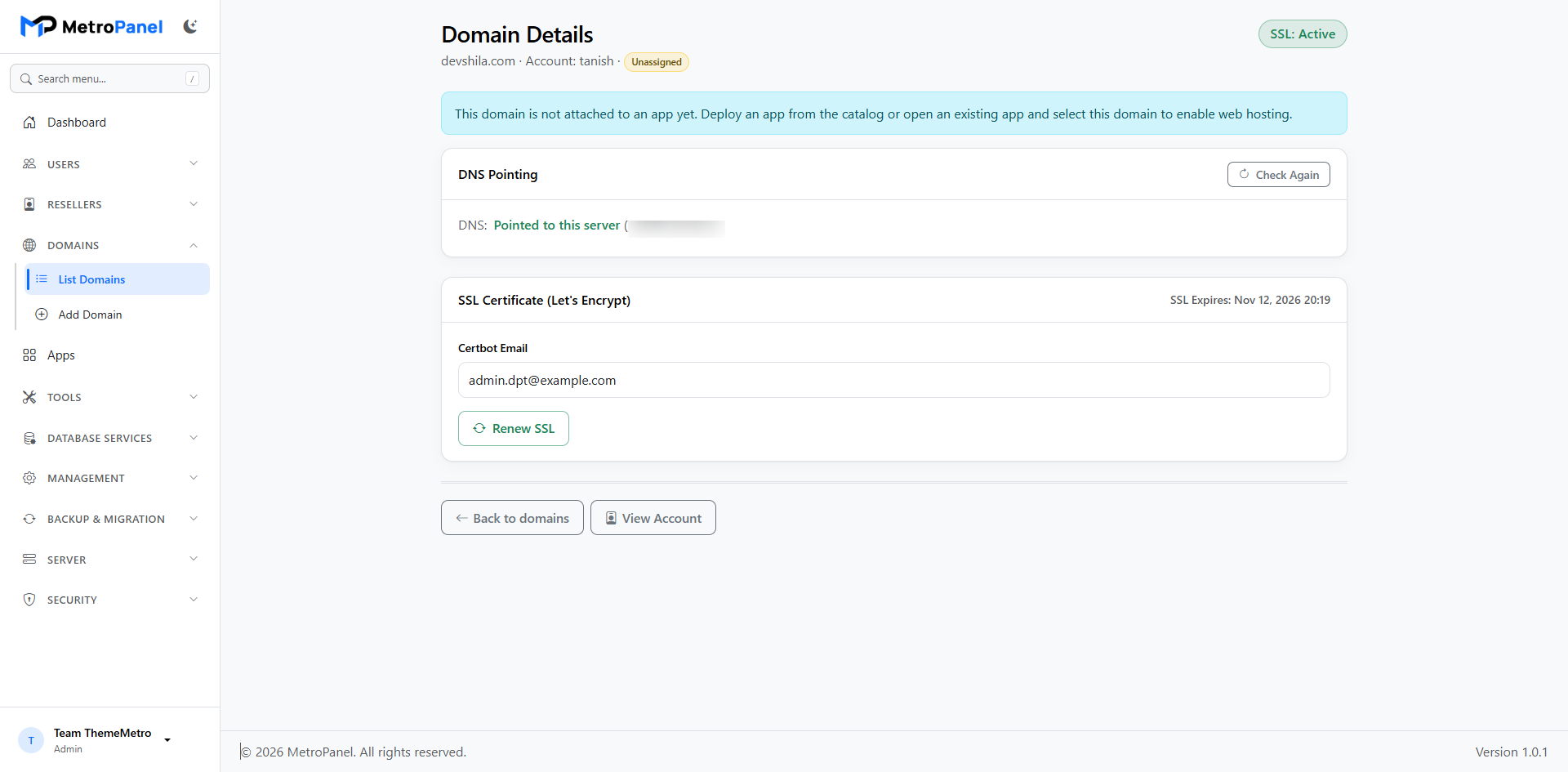
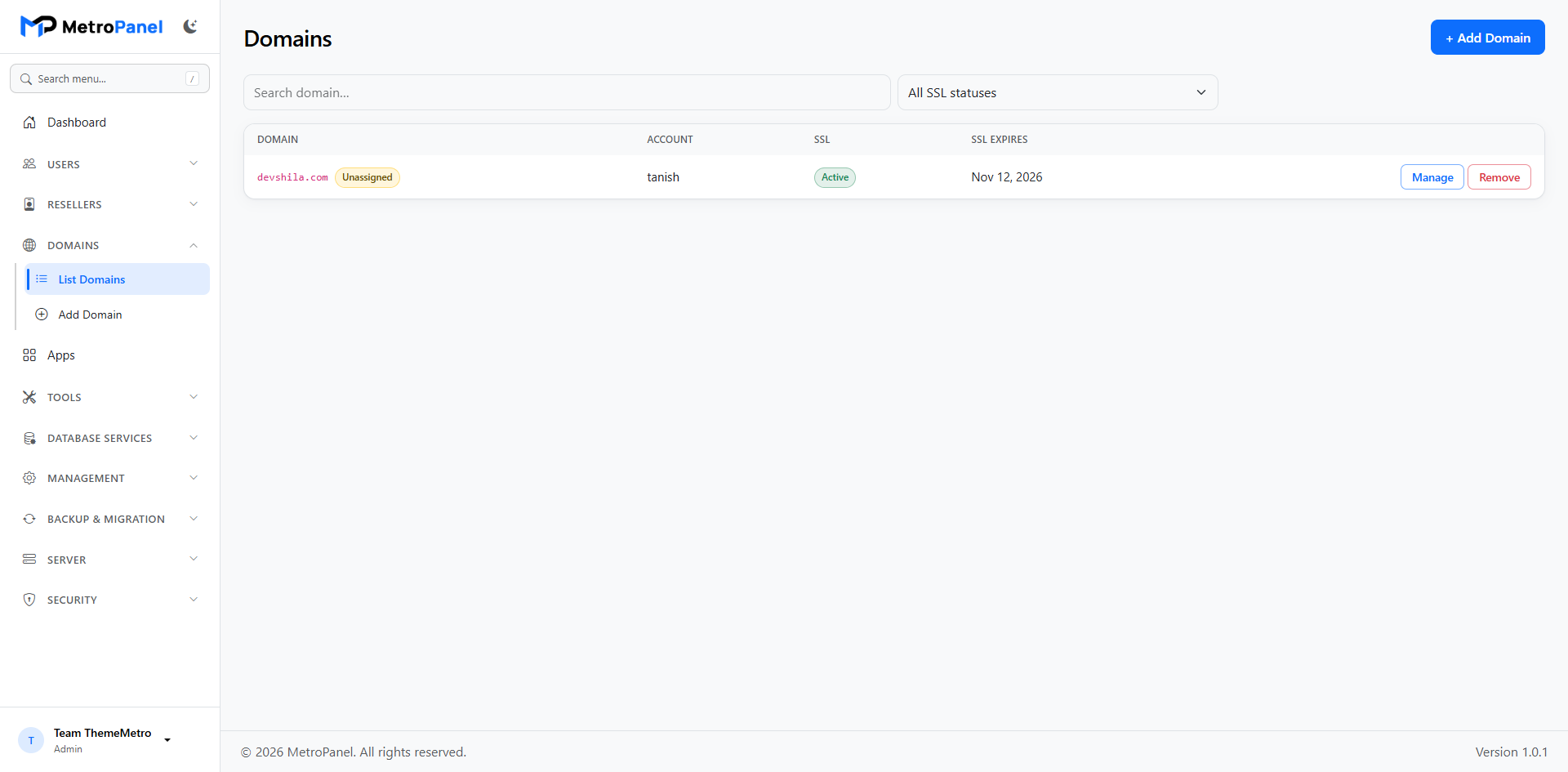
Add and manage domains for accounts and apps. Detach a domain safely when you need to remove it.
Issue free Let's Encrypt certificates and renew them automatically.
Give new apps a working subdomain instantly — before custom DNS is ready.
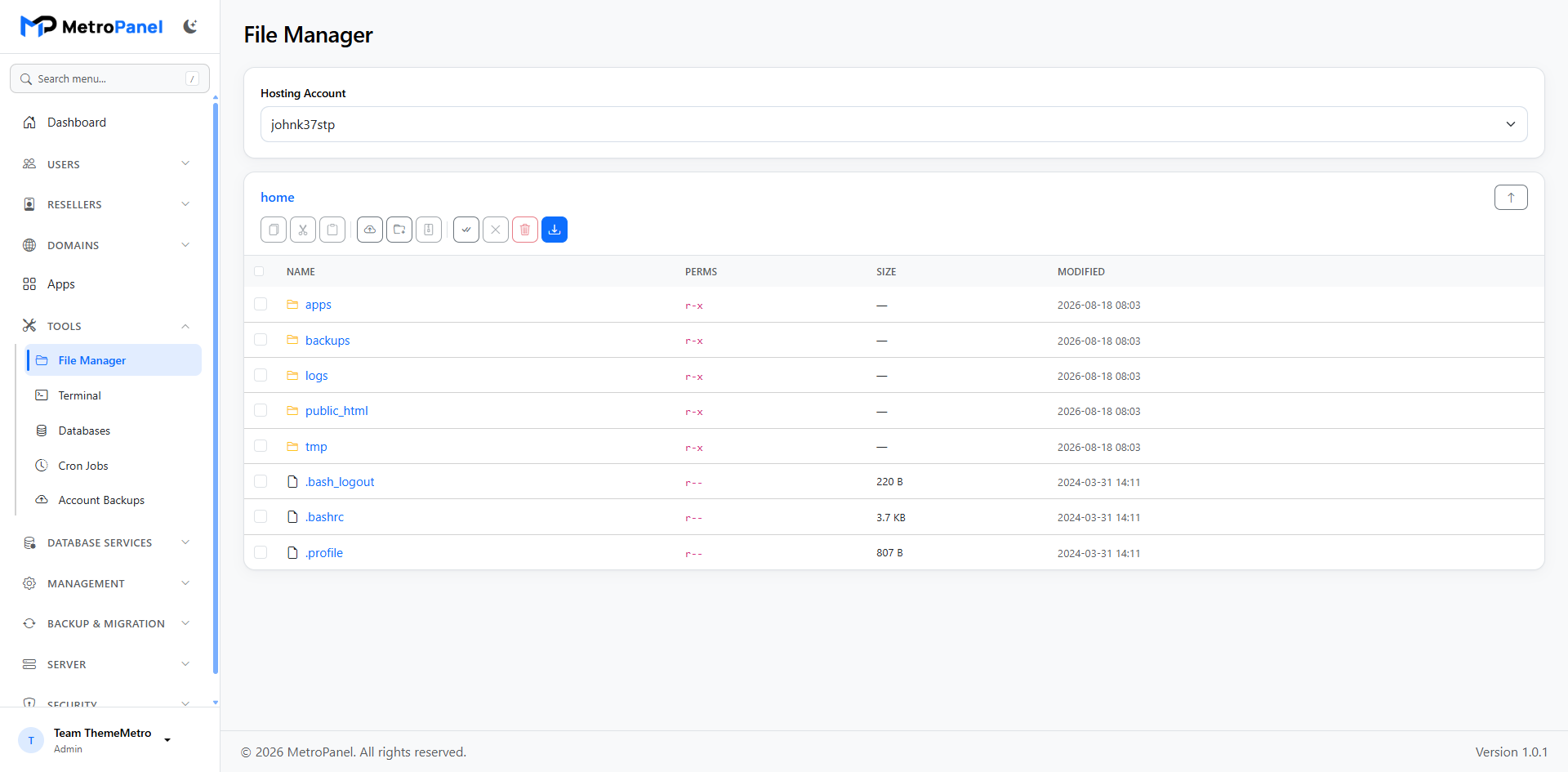
Upload, edit, zip, and manage files in the browser — no extra FTP client required.
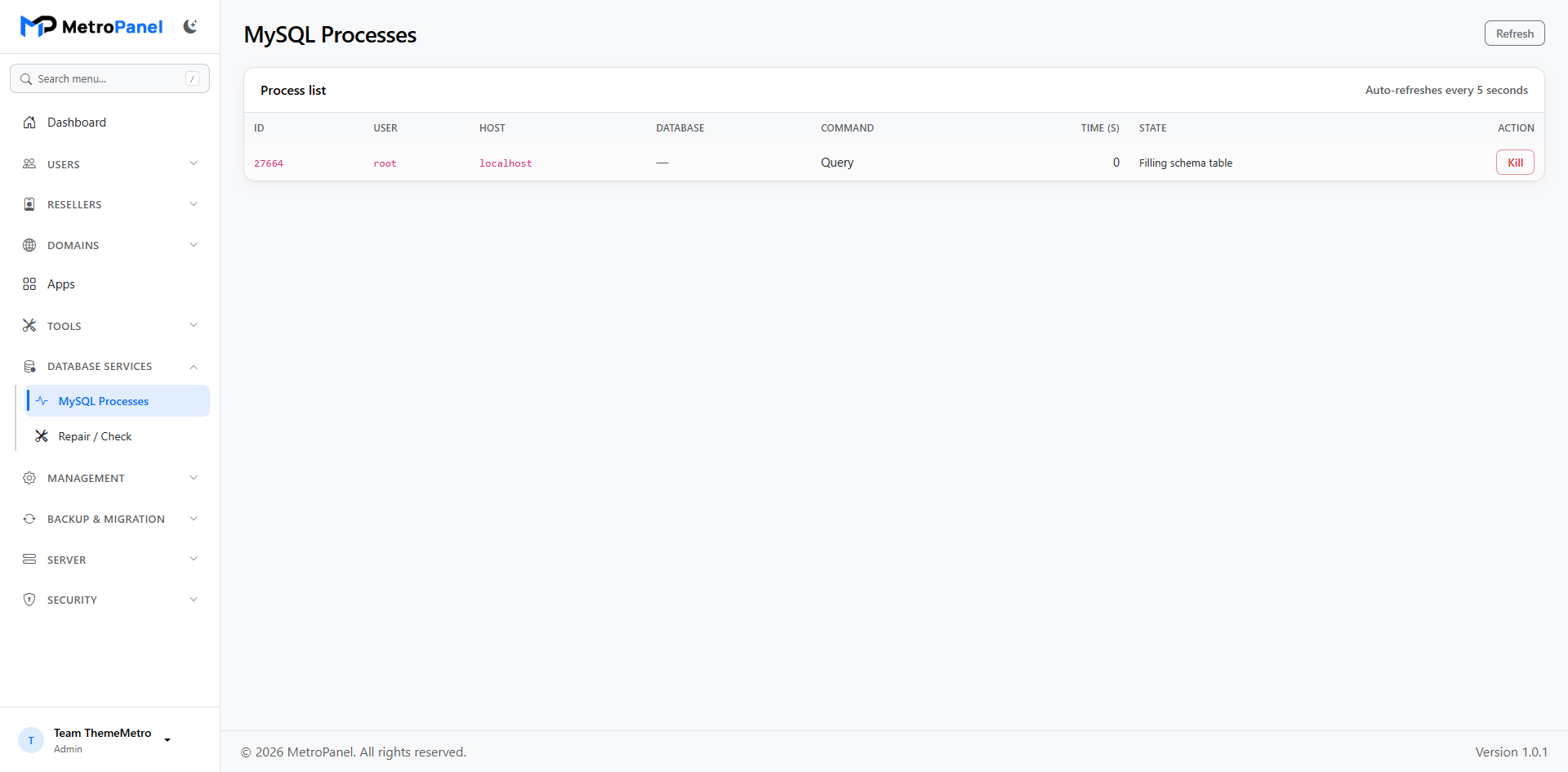
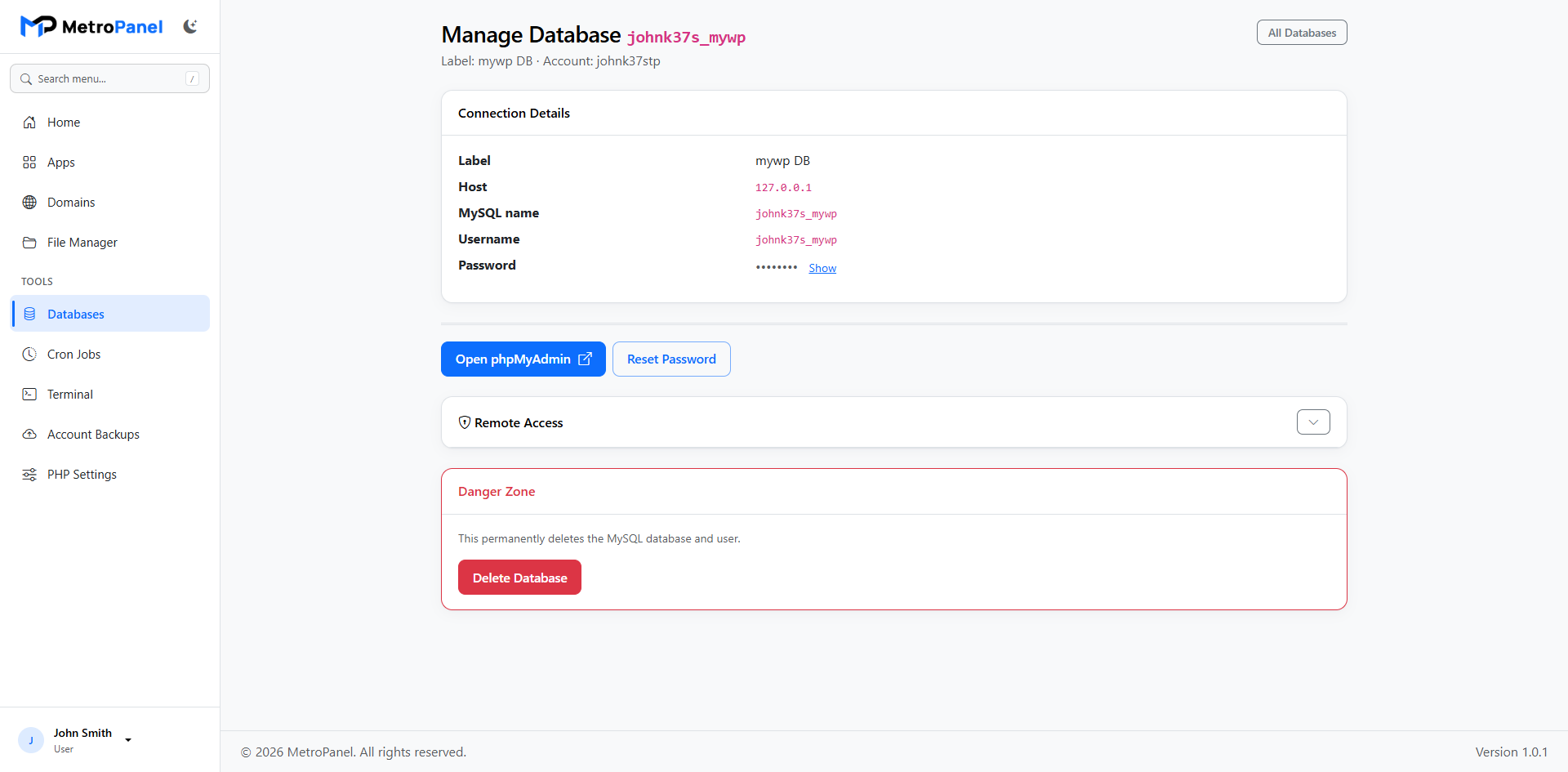
Create MySQL databases and users, reset passwords, and open phpMyAdmin in one click.
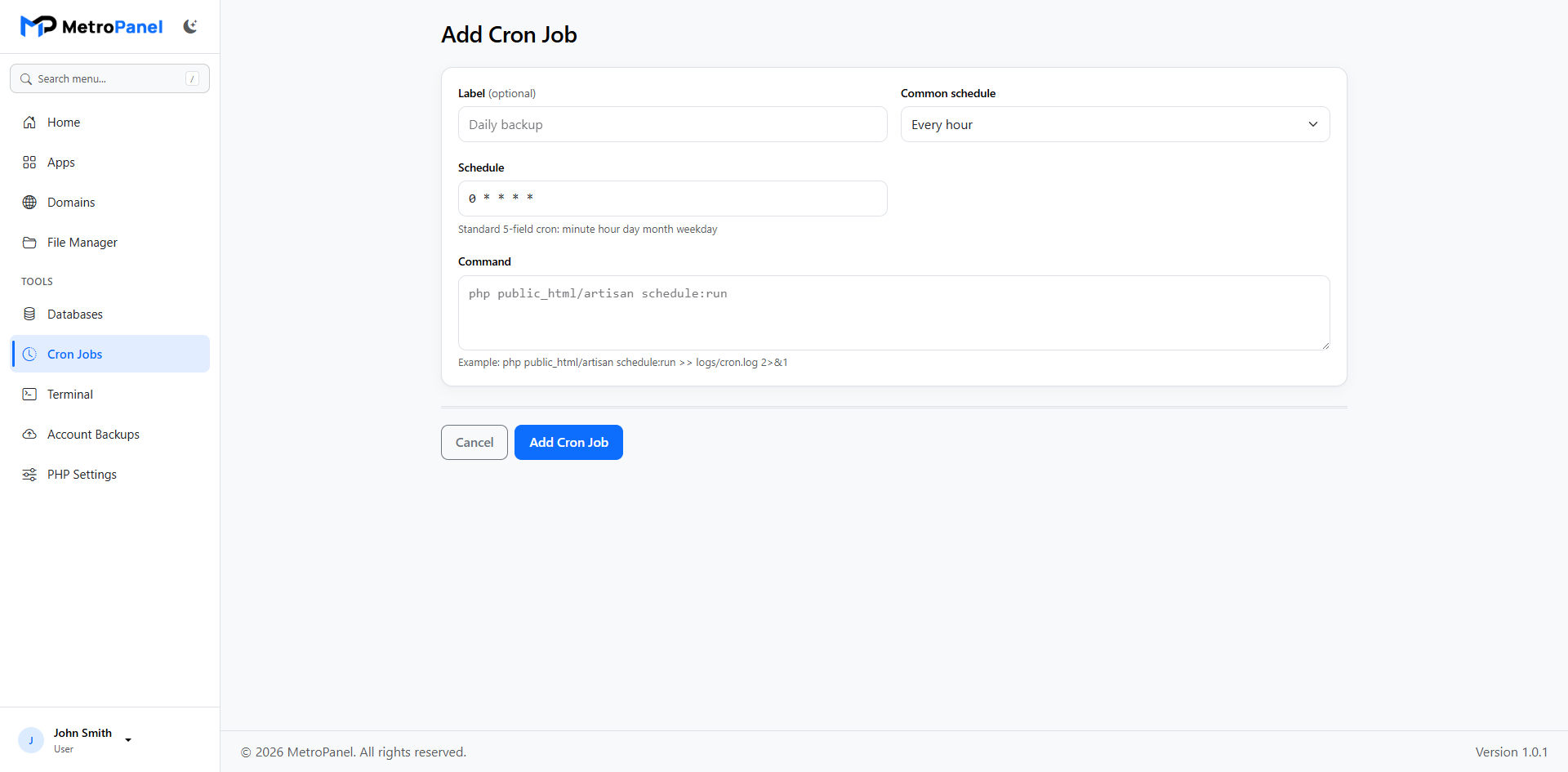
Schedule tasks with easy presets. Link jobs to a specific app when needed.
Optional FTP accounts with IP restrictions — install only when you need them.
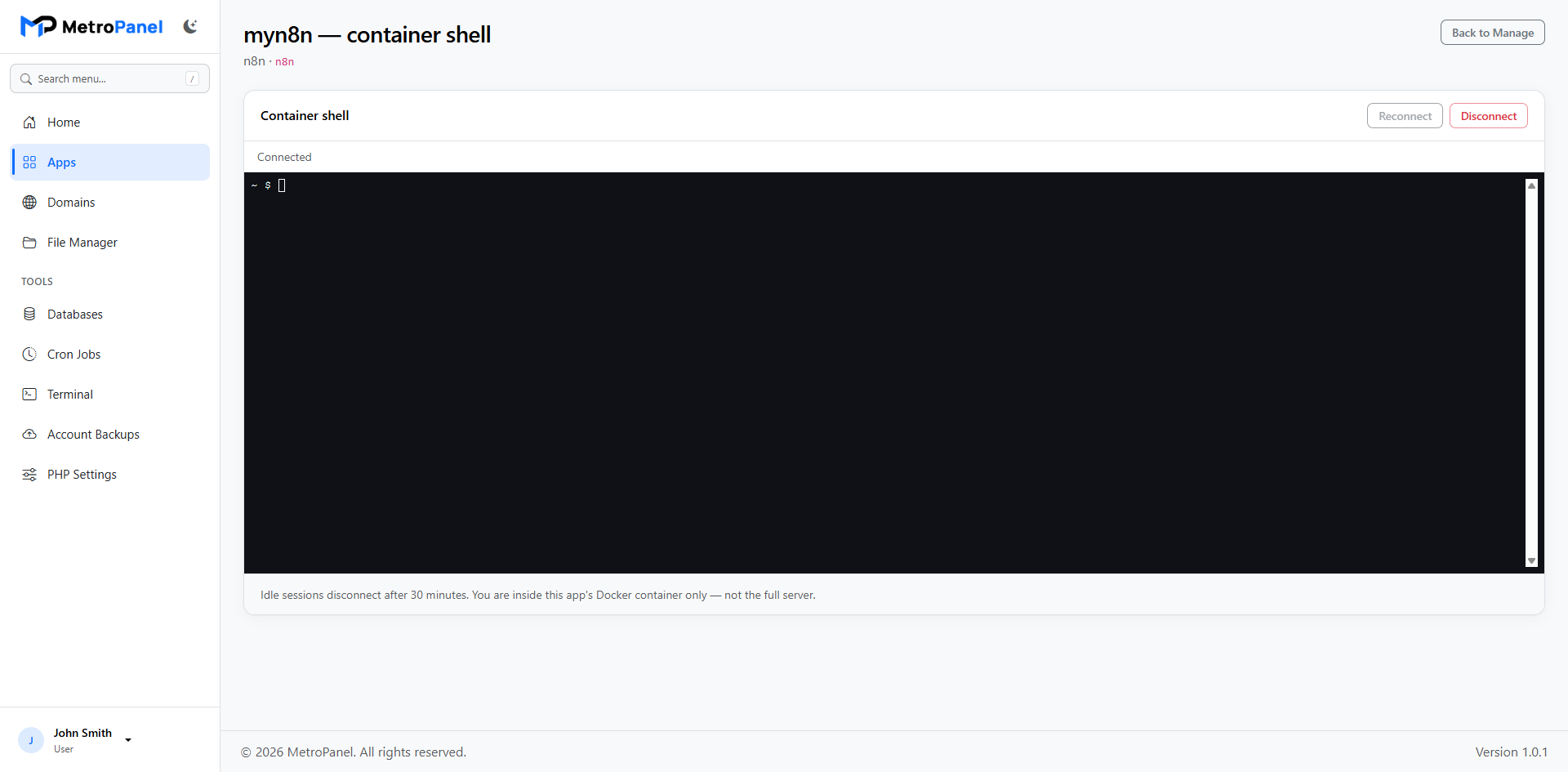
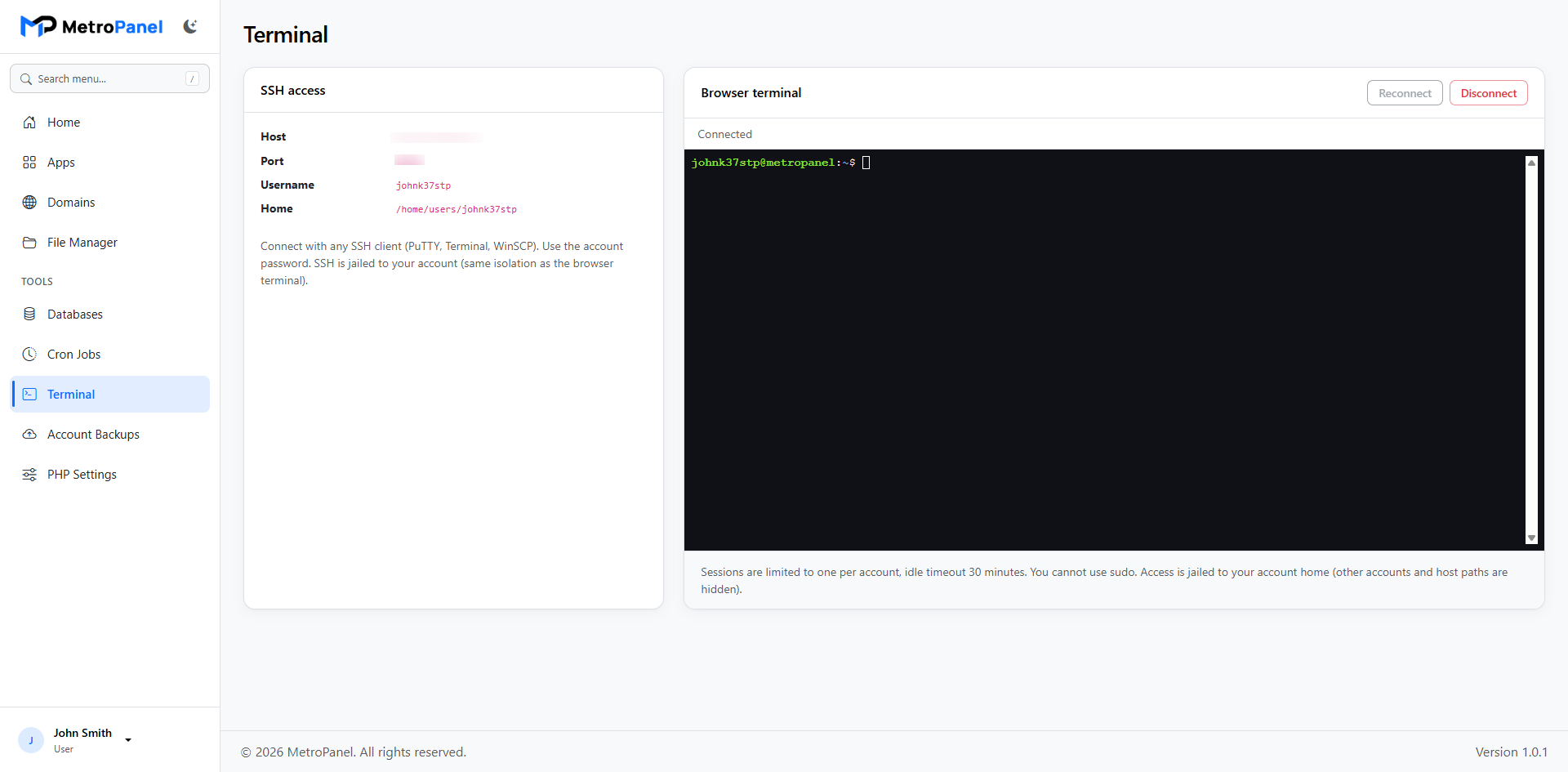
Open a secure shell in the browser when your package allows it.
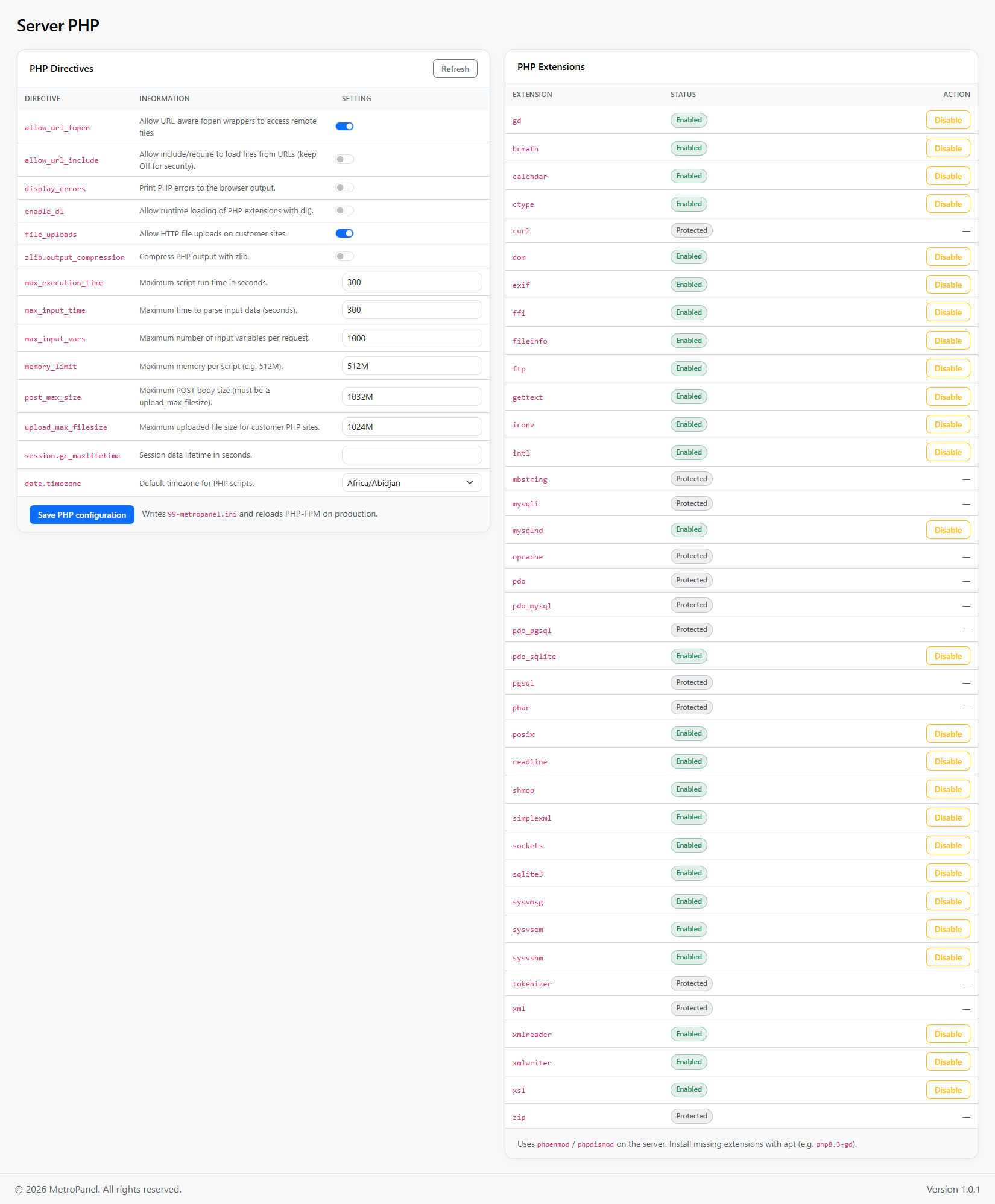
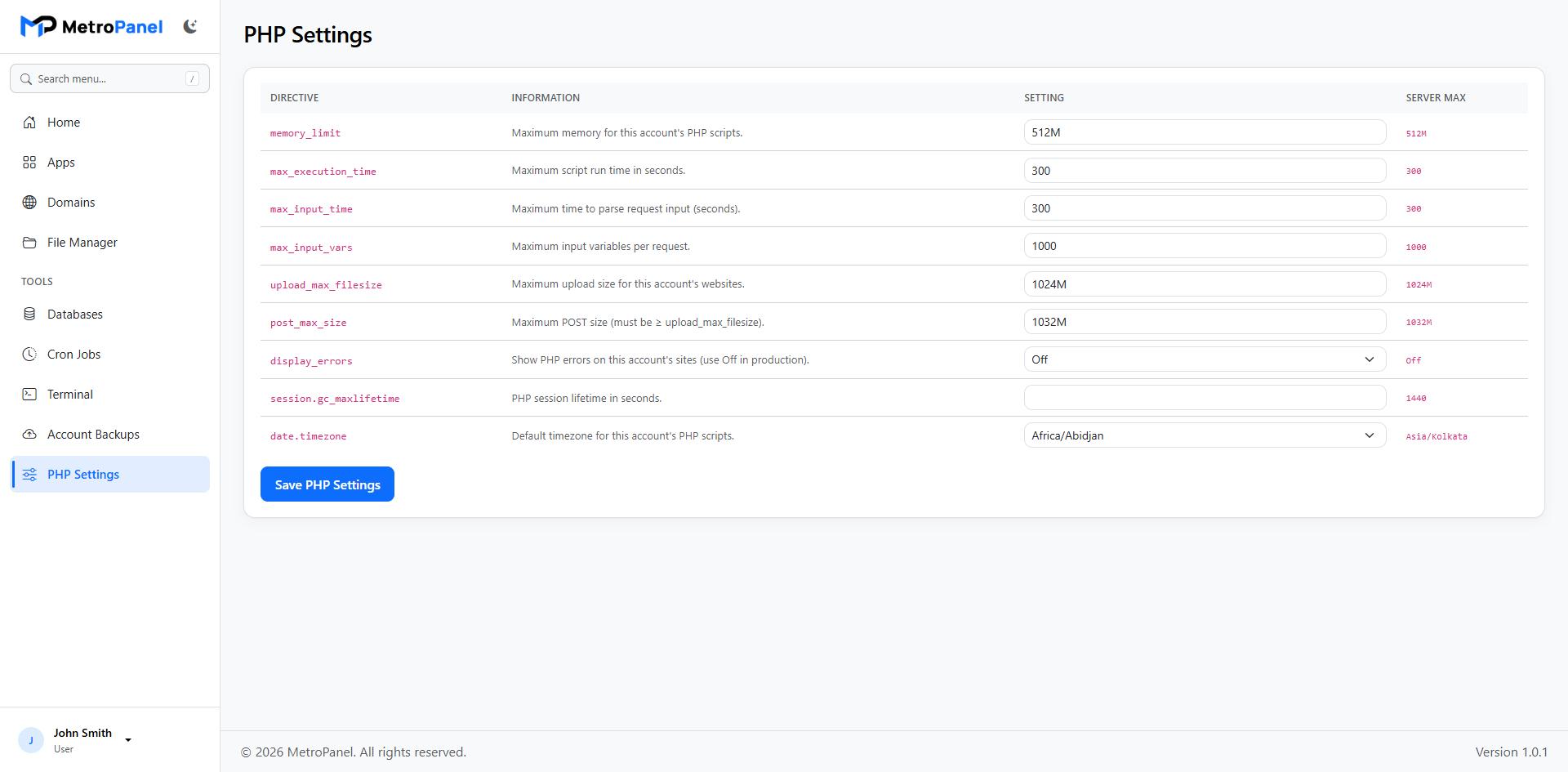
Adjust PHP options per account or for the whole server.
Accounts, Security & Automation
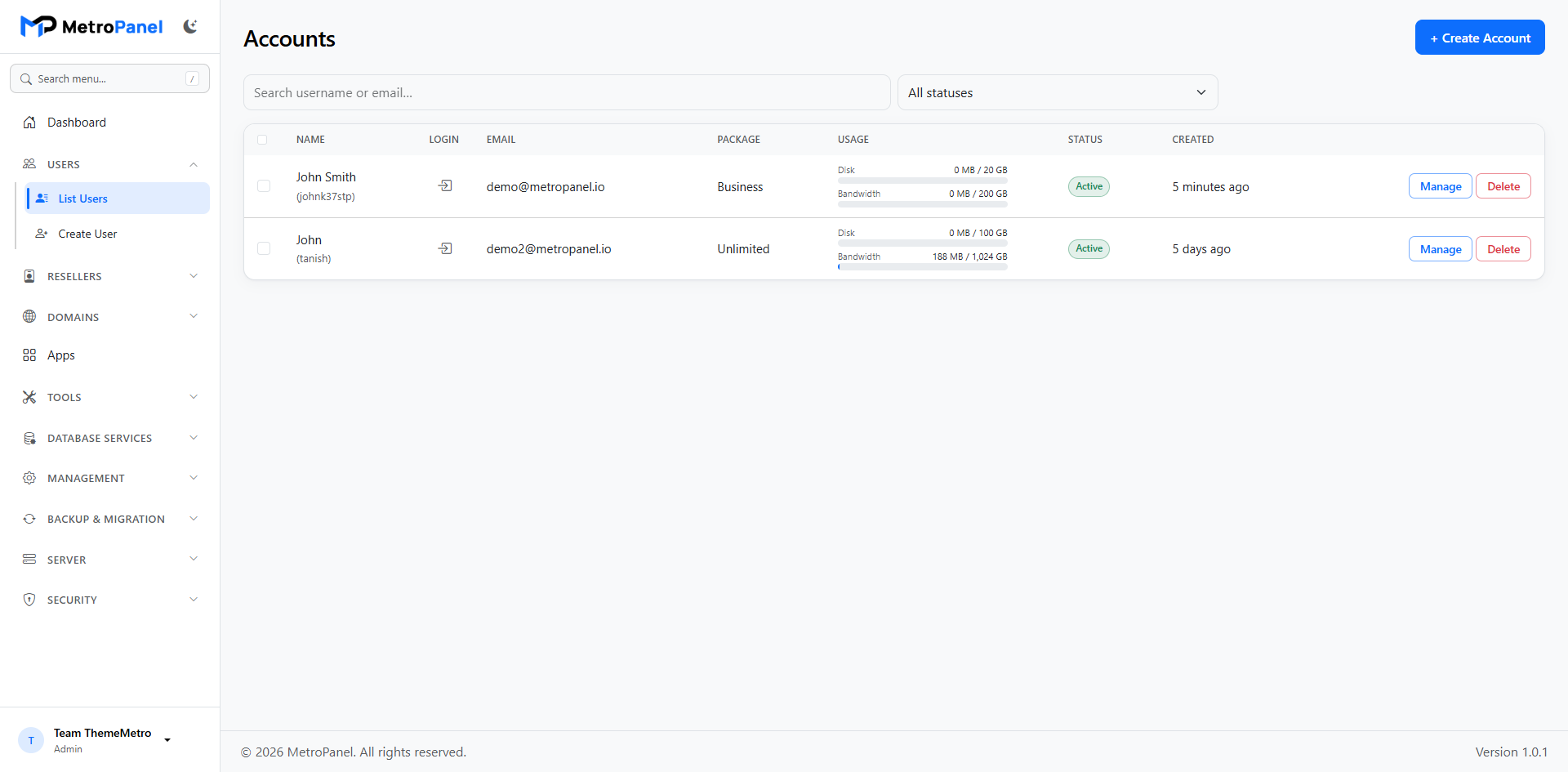
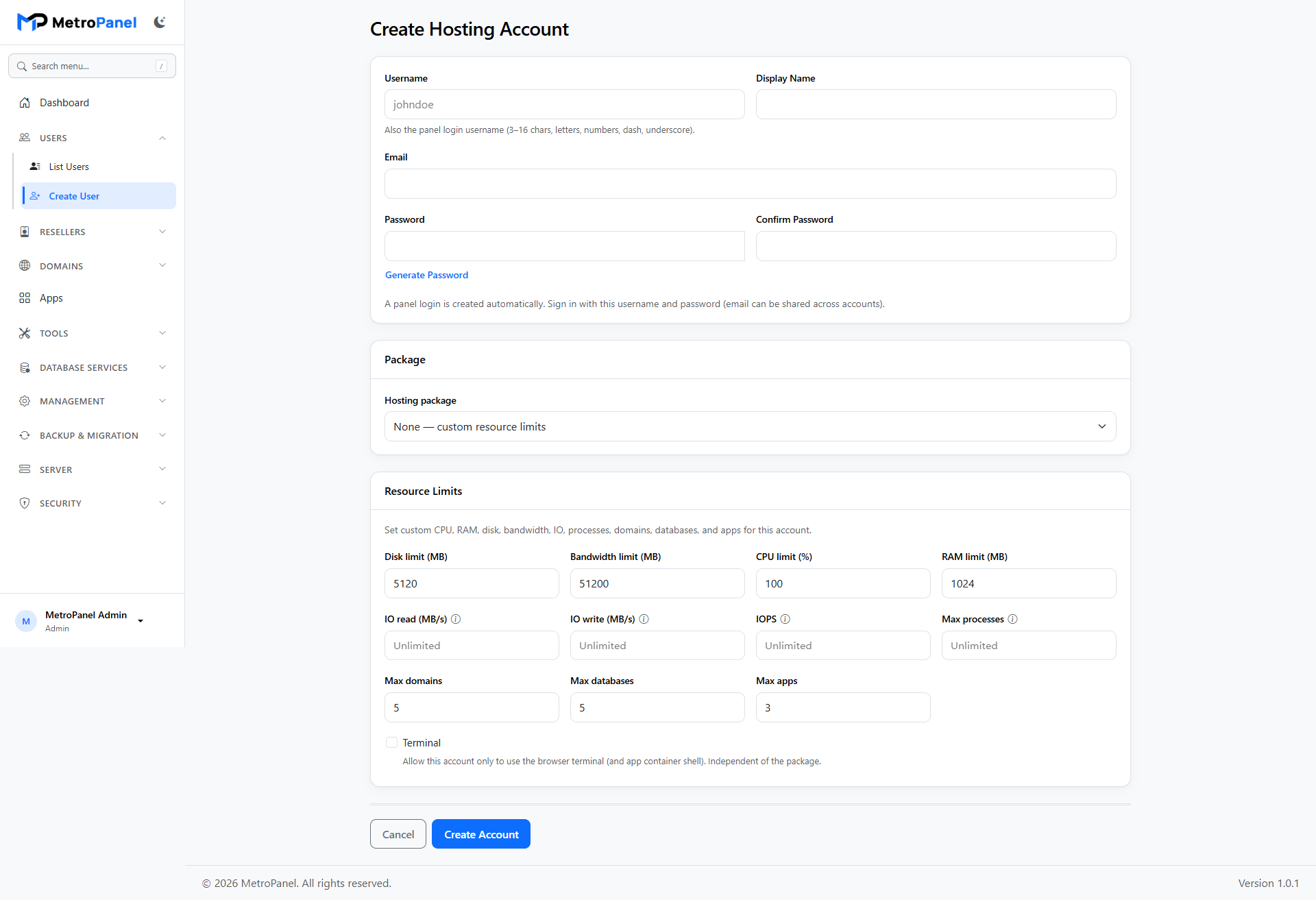
Create, suspend, and remove accounts with live progress. Change passwords and packages, or log in as the customer when needed.
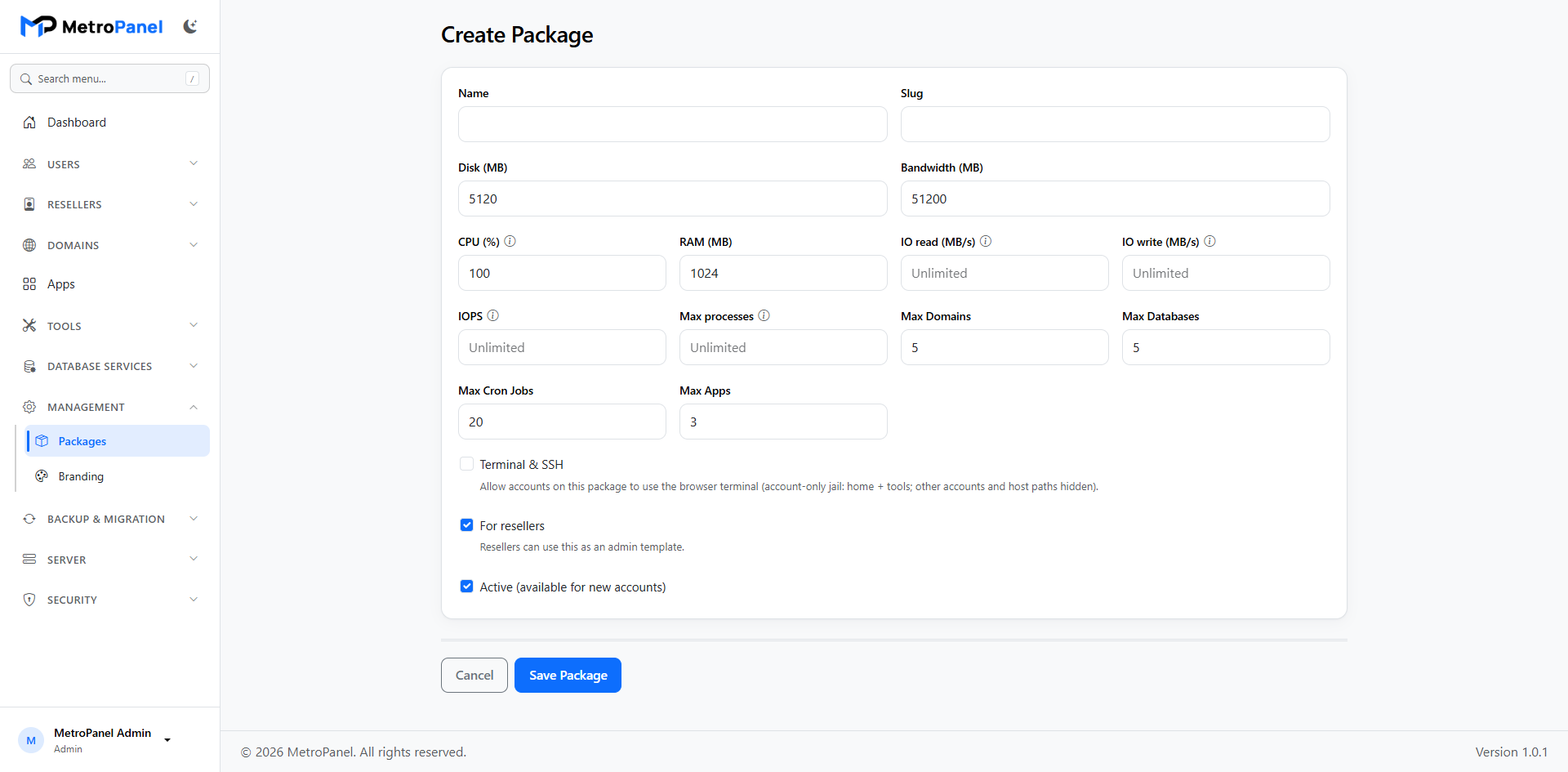
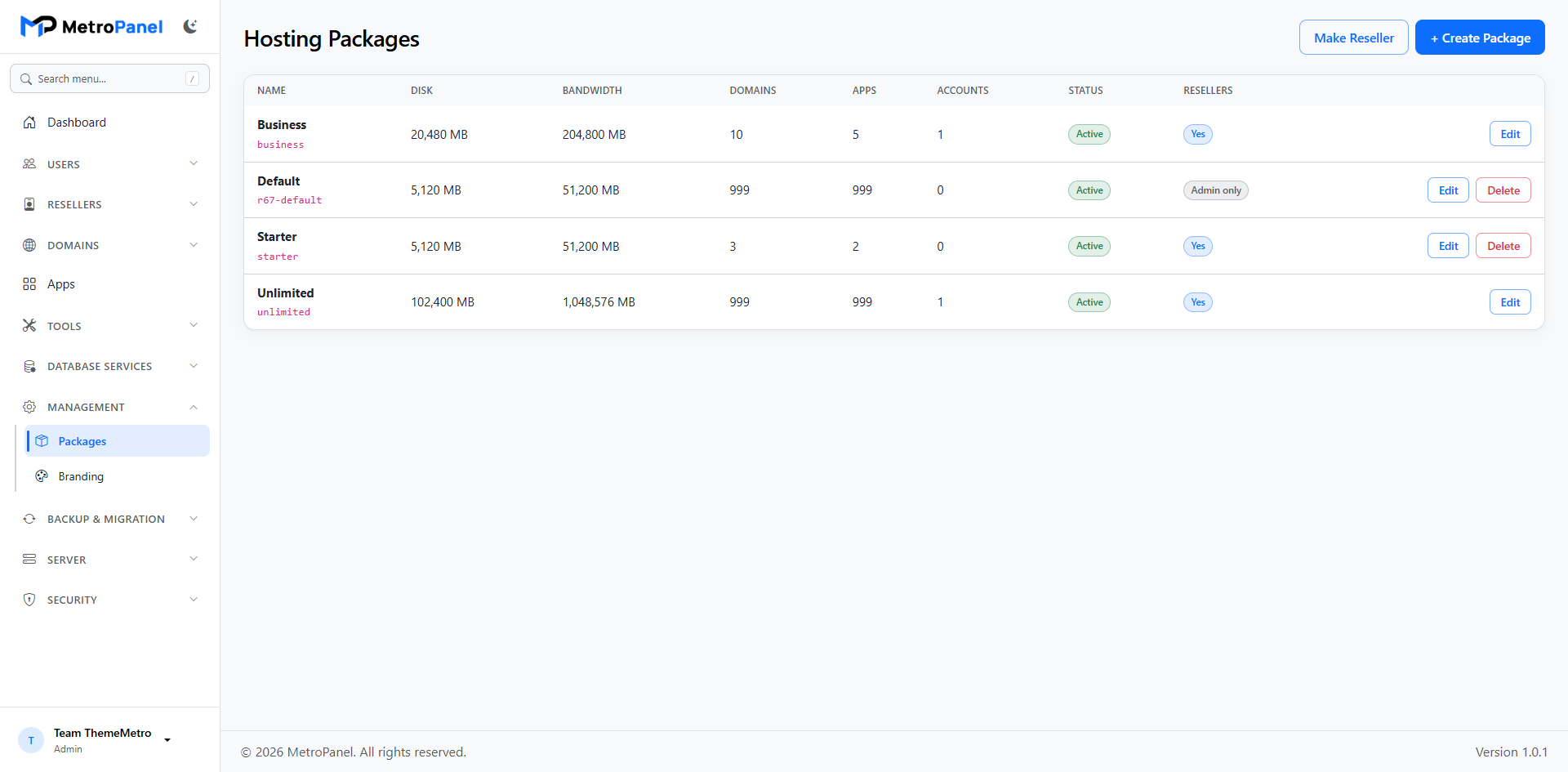
Set disk, bandwidth, and feature limits so new accounts get the right plan instantly.
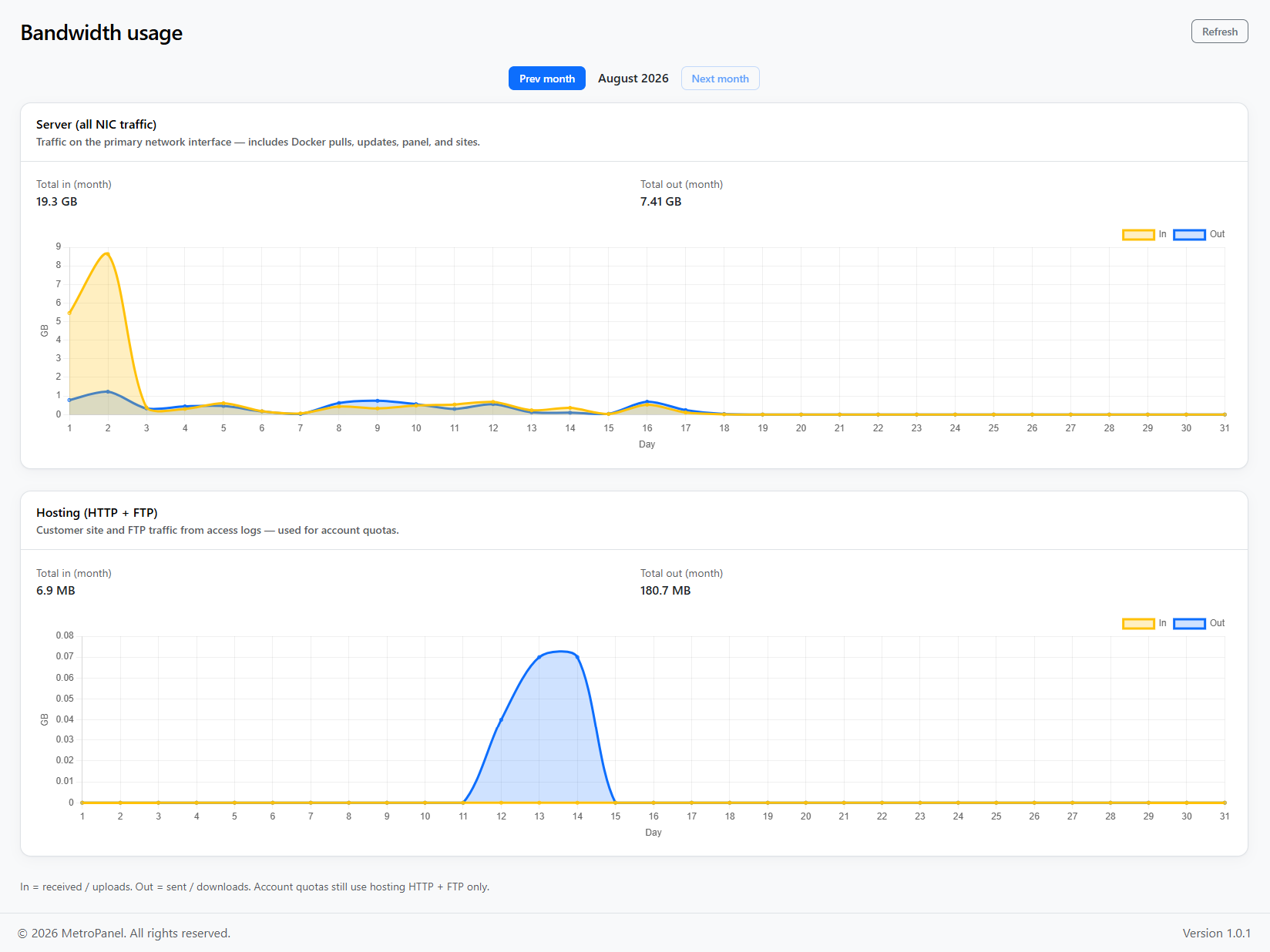
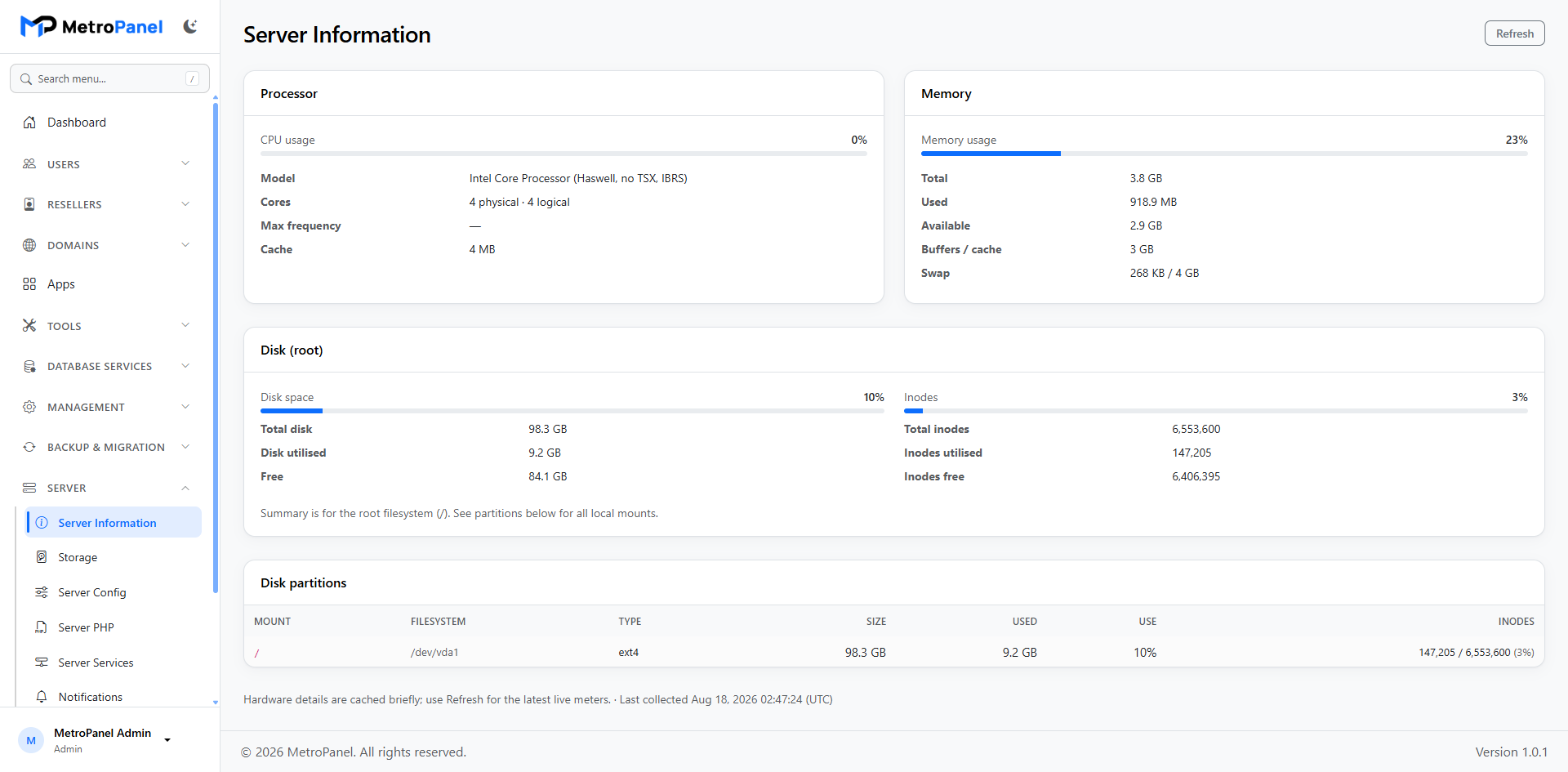
Watch live CPU, RAM, and disk. Track bandwidth automatically from web traffic.
See a clear history of account, app, domain, database, and security actions.
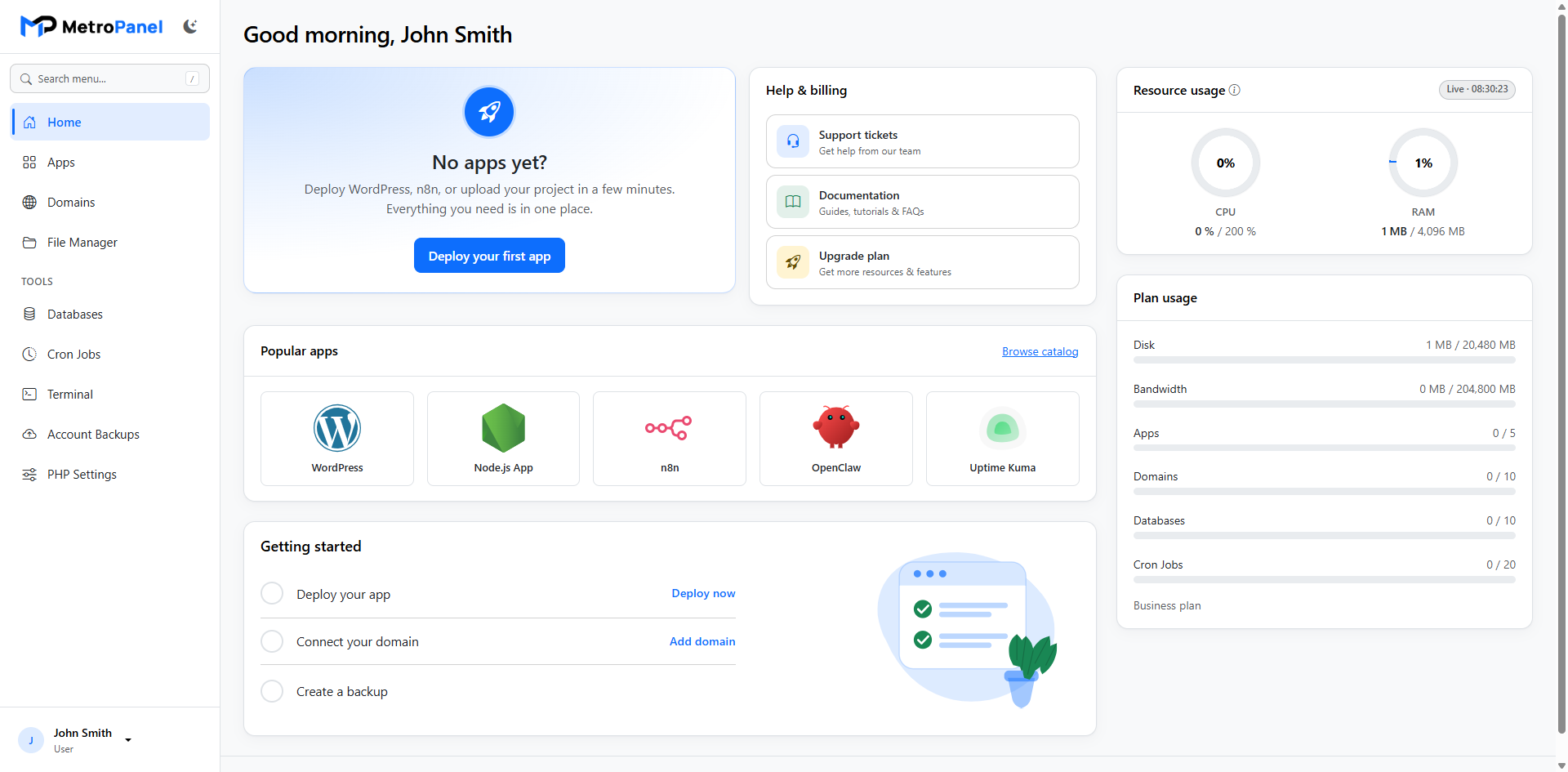
A modern home screen with app status and shortcuts — easy for end users.
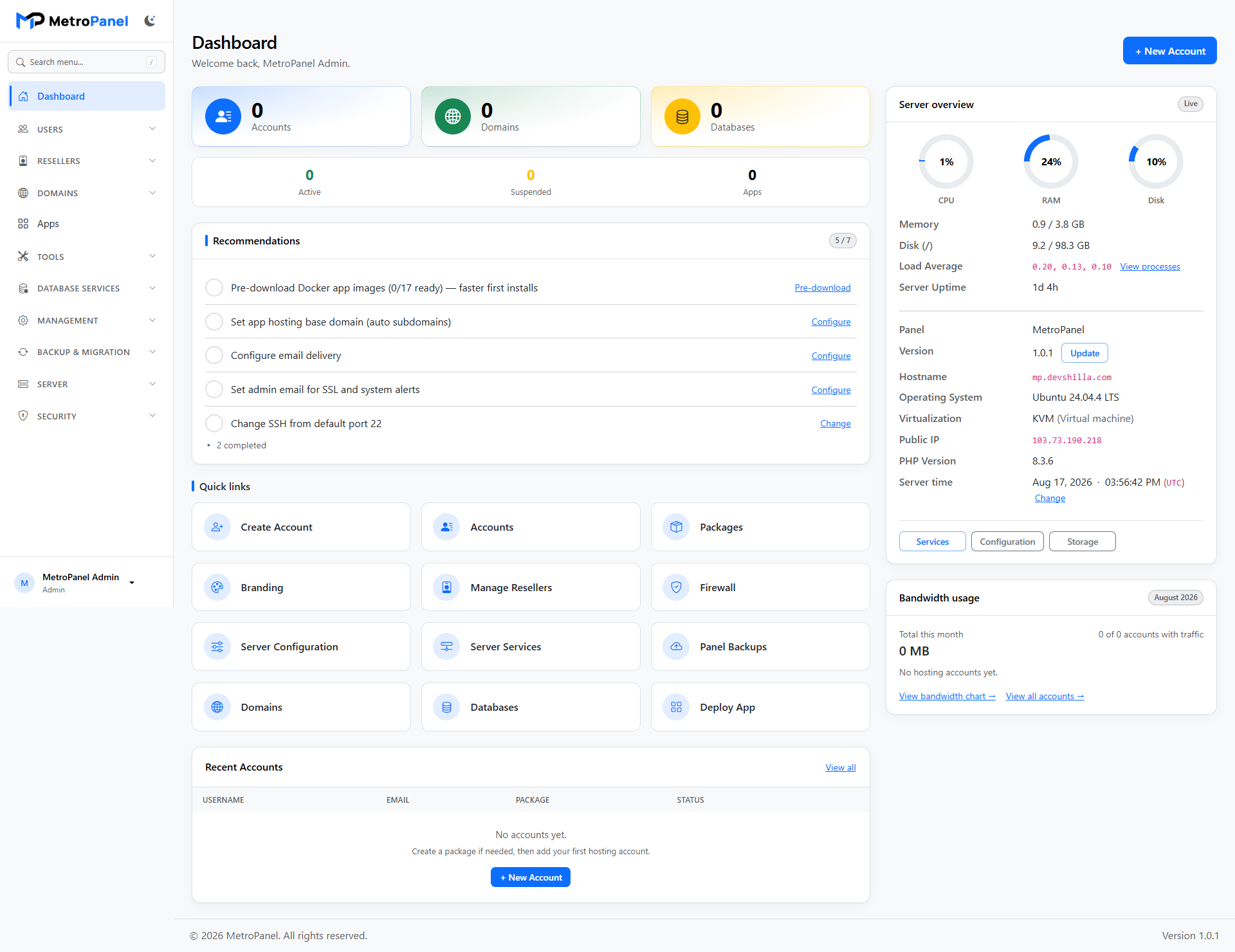
Server health, account counts, shortcuts, and setup checklist for operators.
Optional two-factor authentication for stronger panel logins.
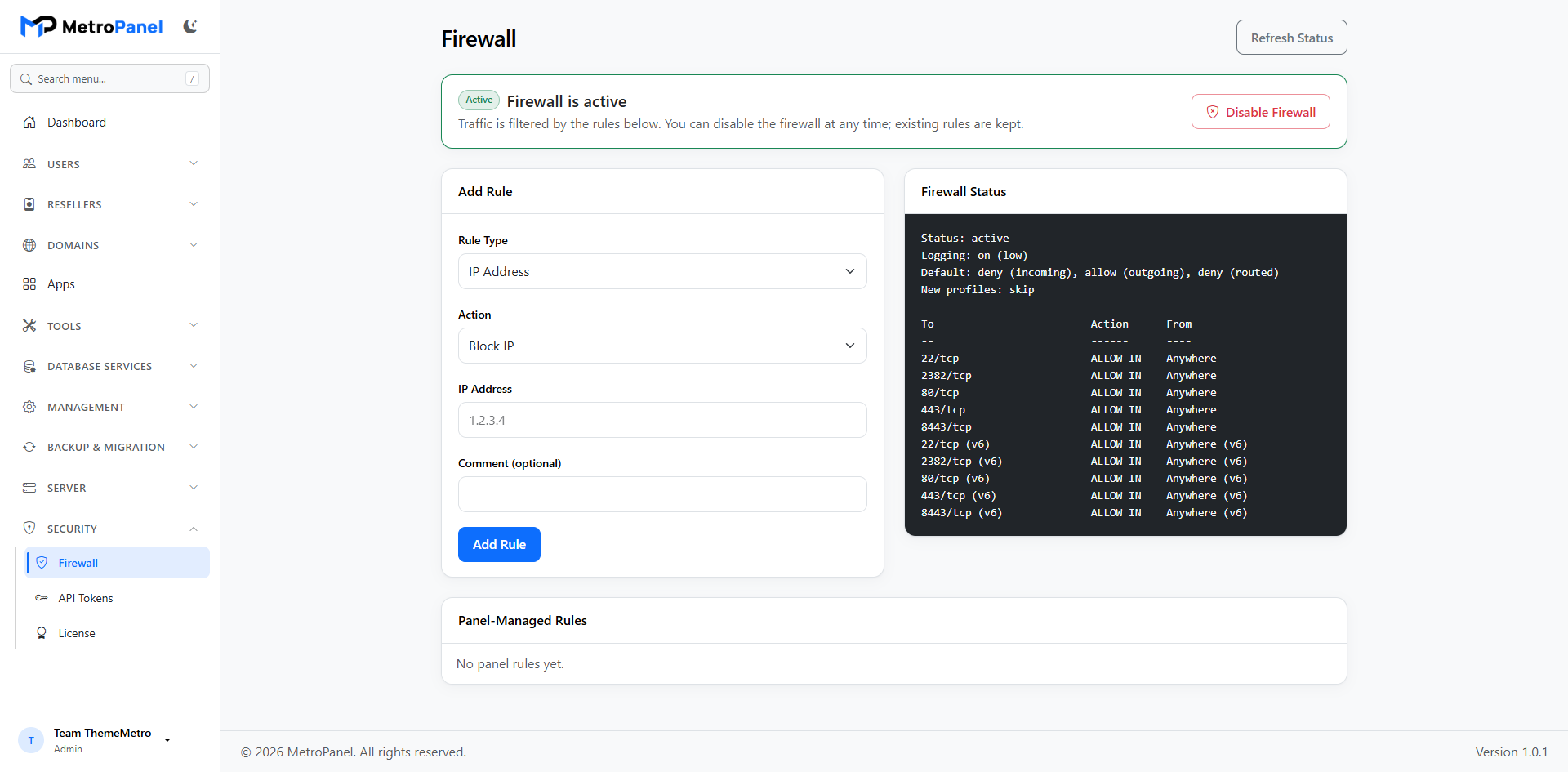
Optional firewall with simple rules you can enable or disable when needed.
Block repeated login attacks and control allow/deny lists from Server Services.
Restrict FTP and remote database access by IP. Control which tools each package can use.
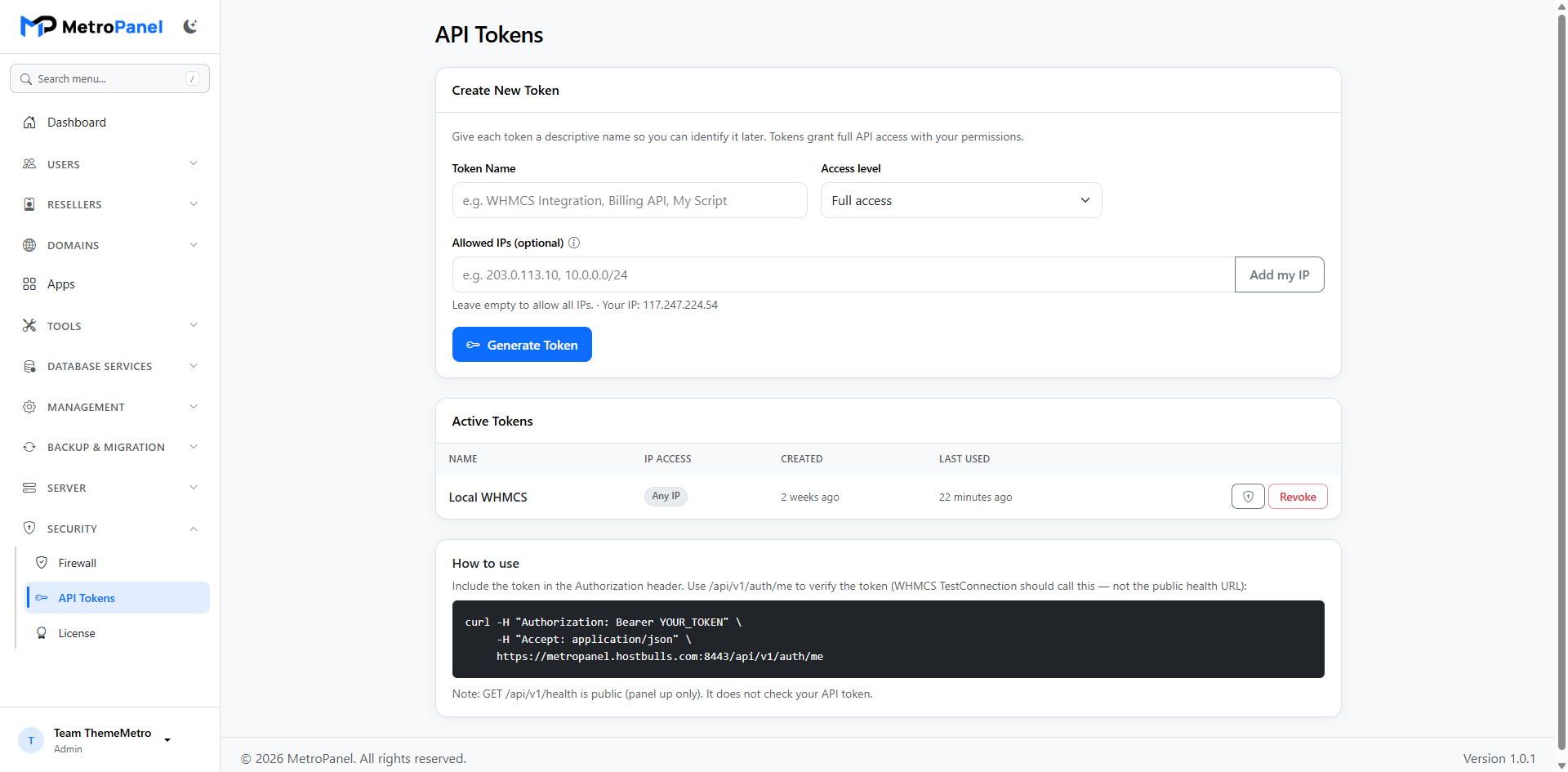
Create secure tokens for admins, resellers, and account-level automation.
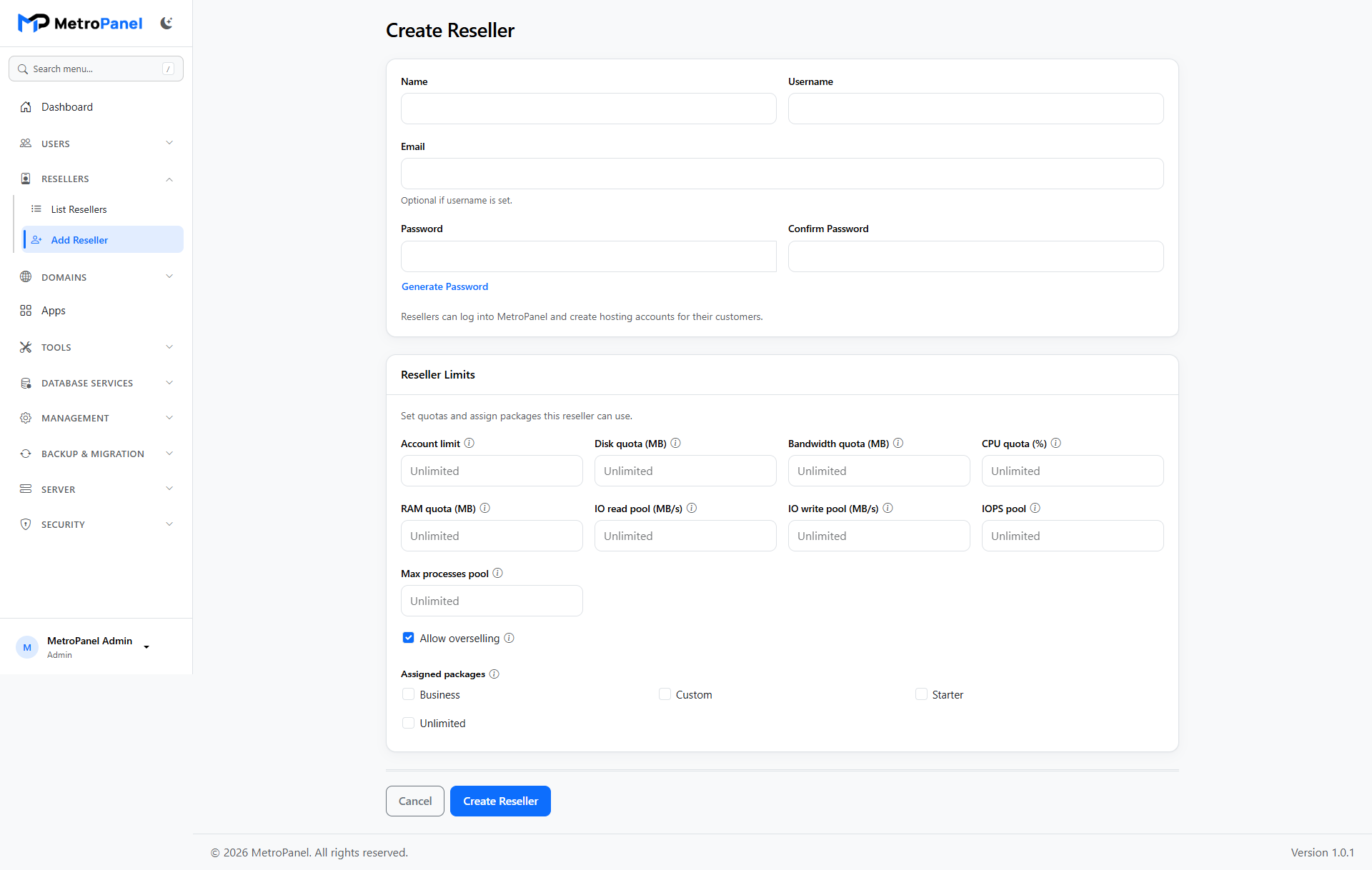
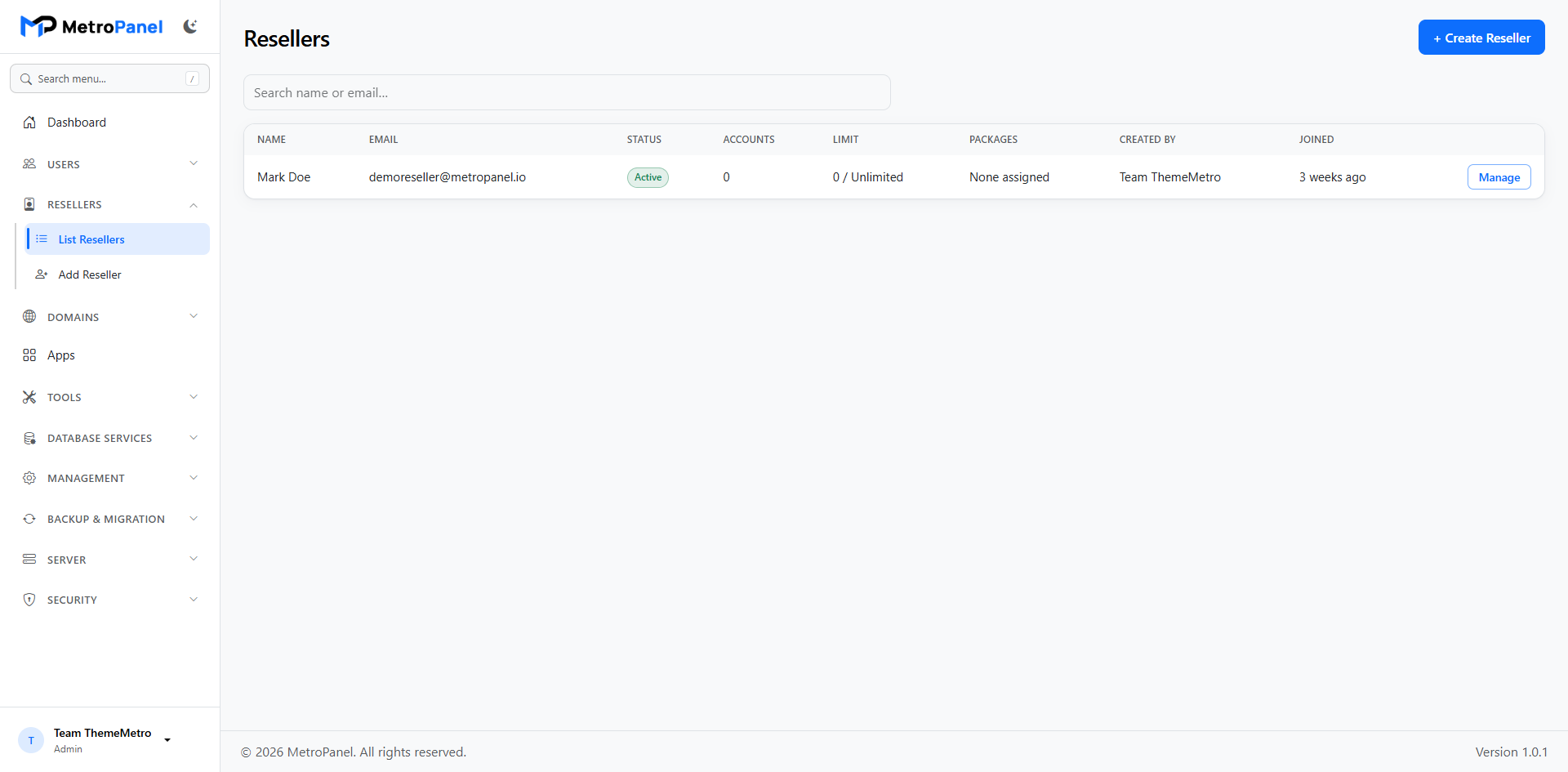
Create resellers with quotas and packages. Suspend or remove them when needed.
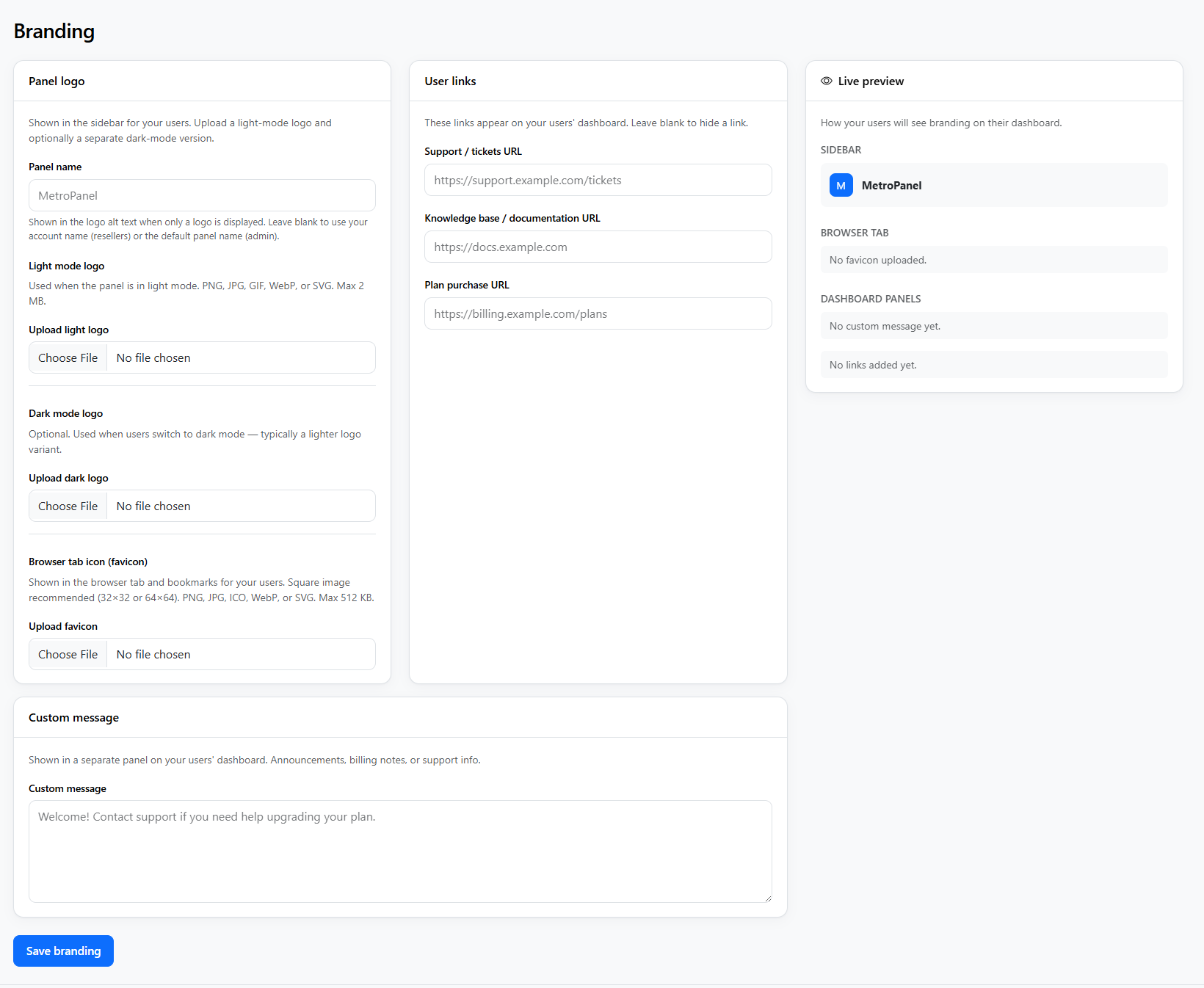
Custom logos, brand name, and support links so the panel matches your business.
One login page for everyone — branding appears after sign-in for each reseller.
Automate accounts, domains, apps, databases, cron, and more from your billing system.
Let customers connect Cursor, Claude Code, or Codex to deploy with a scoped token.
Agents can deploy ZIP or Git updates — without full file manager or terminal access.
API and SSO for custom billing, WHMCS provision module.
Clear documentation for operators and developers — including agent tokens.
Install only what you need — FTP, firewall, protection tools, and 2FA.
Server, Storage & Backups
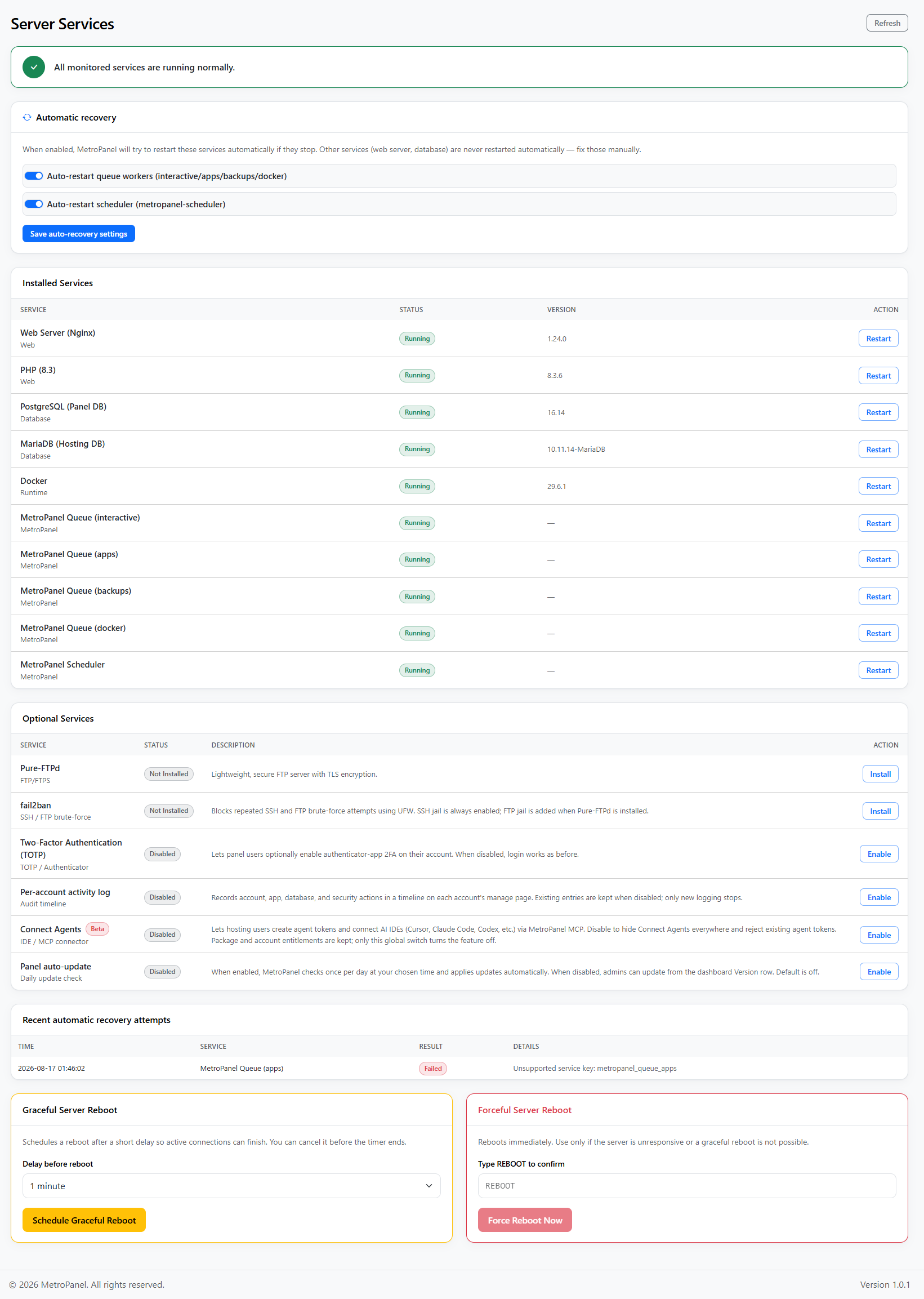
See which services are running and restart them safely from one admin page.
Automatically restart key panel workers if they stop — with a clear recovery log.
Schedule a gentle reboot with cancel option, or force a reboot when needed.
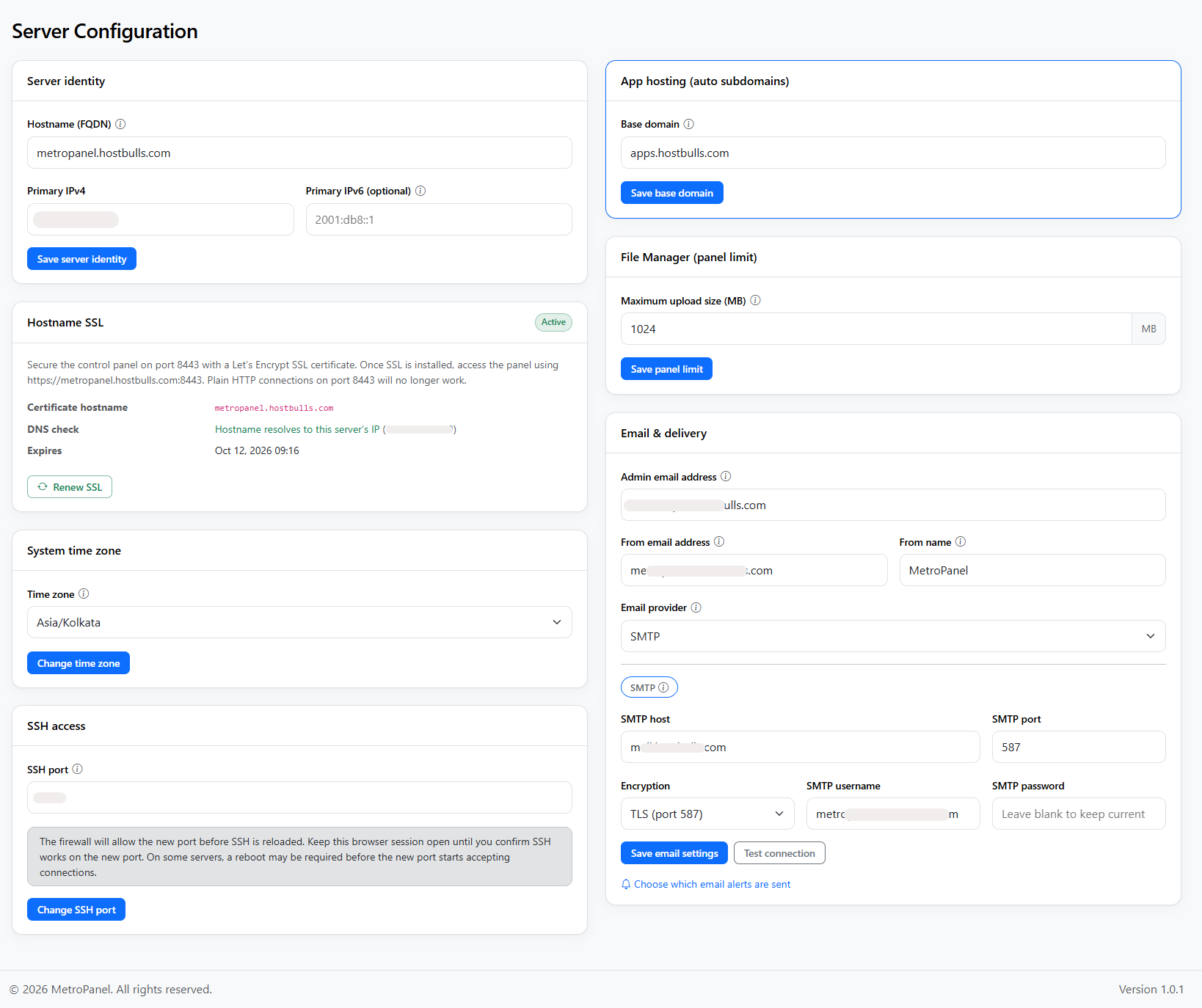
Send panel mail through SMTP or popular providers like Mailgun, SendGrid, and Amazon SES.
Update the panel in one click or on a schedule — when you turn it on.
Manage hostname, upload limits, PHP options, and admin email from one place.
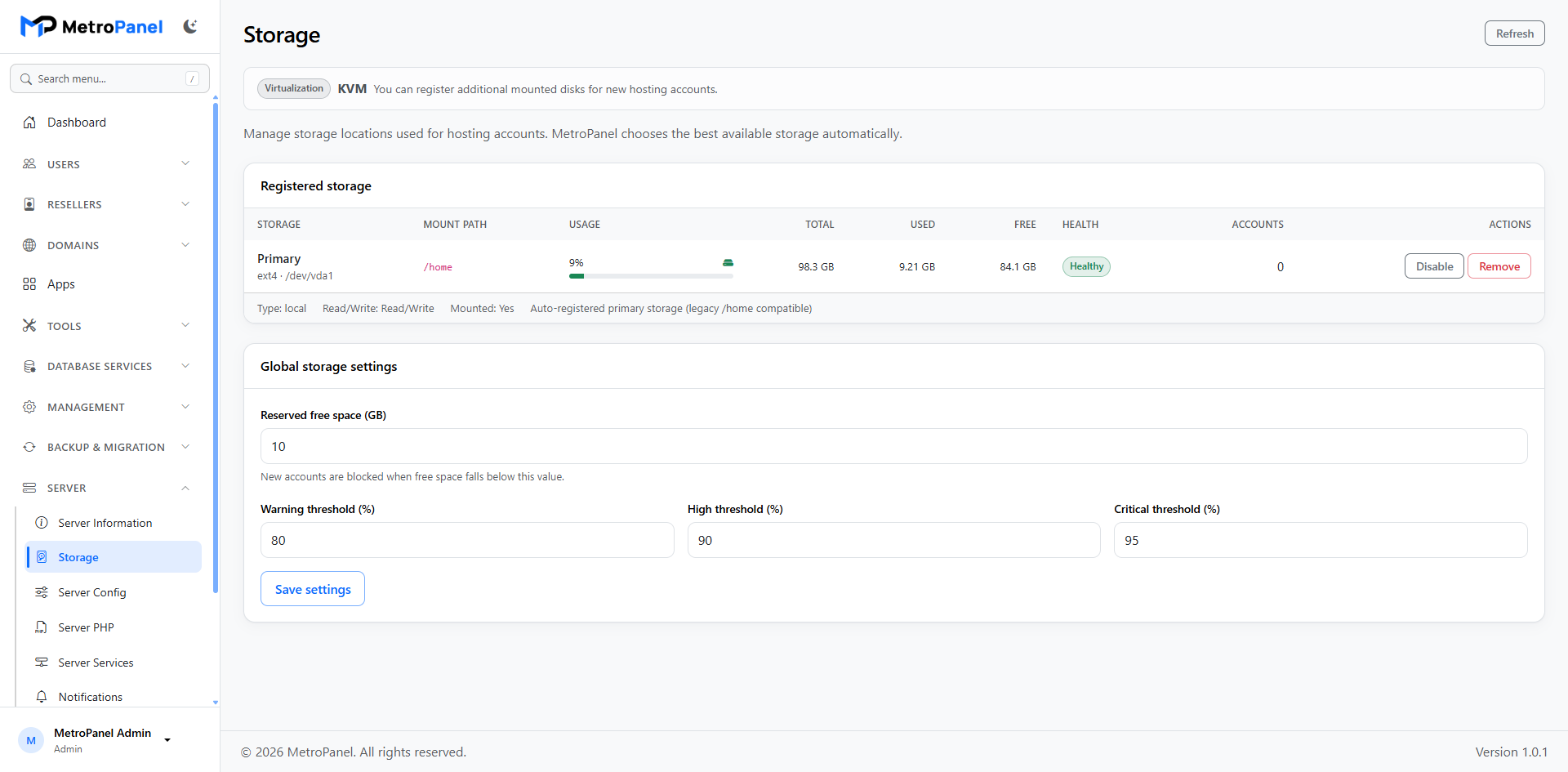
Register disks and see usage, health, and how many accounts live on each one.
Detect empty disks, set them up, mount them, and register them for hosting accounts.
Mount disks that already have a filesystem and add them to the panel automatically.
Set reserved free space and warning levels so new accounts land on healthy storage.
New accounts are placed on the best available storage automatically.
On platforms like OpenVZ, storage stays view-only where disk setup is not supported.
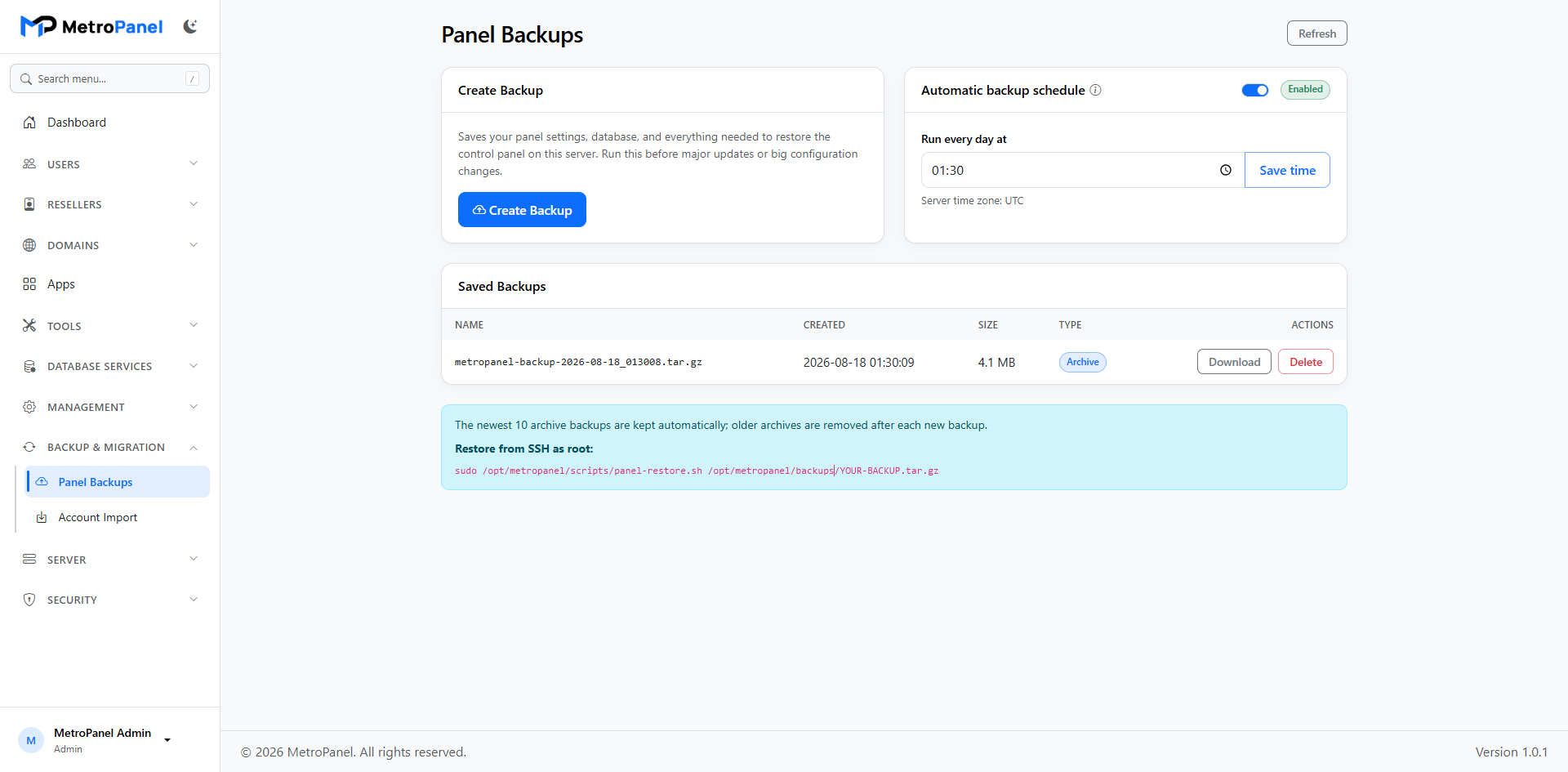
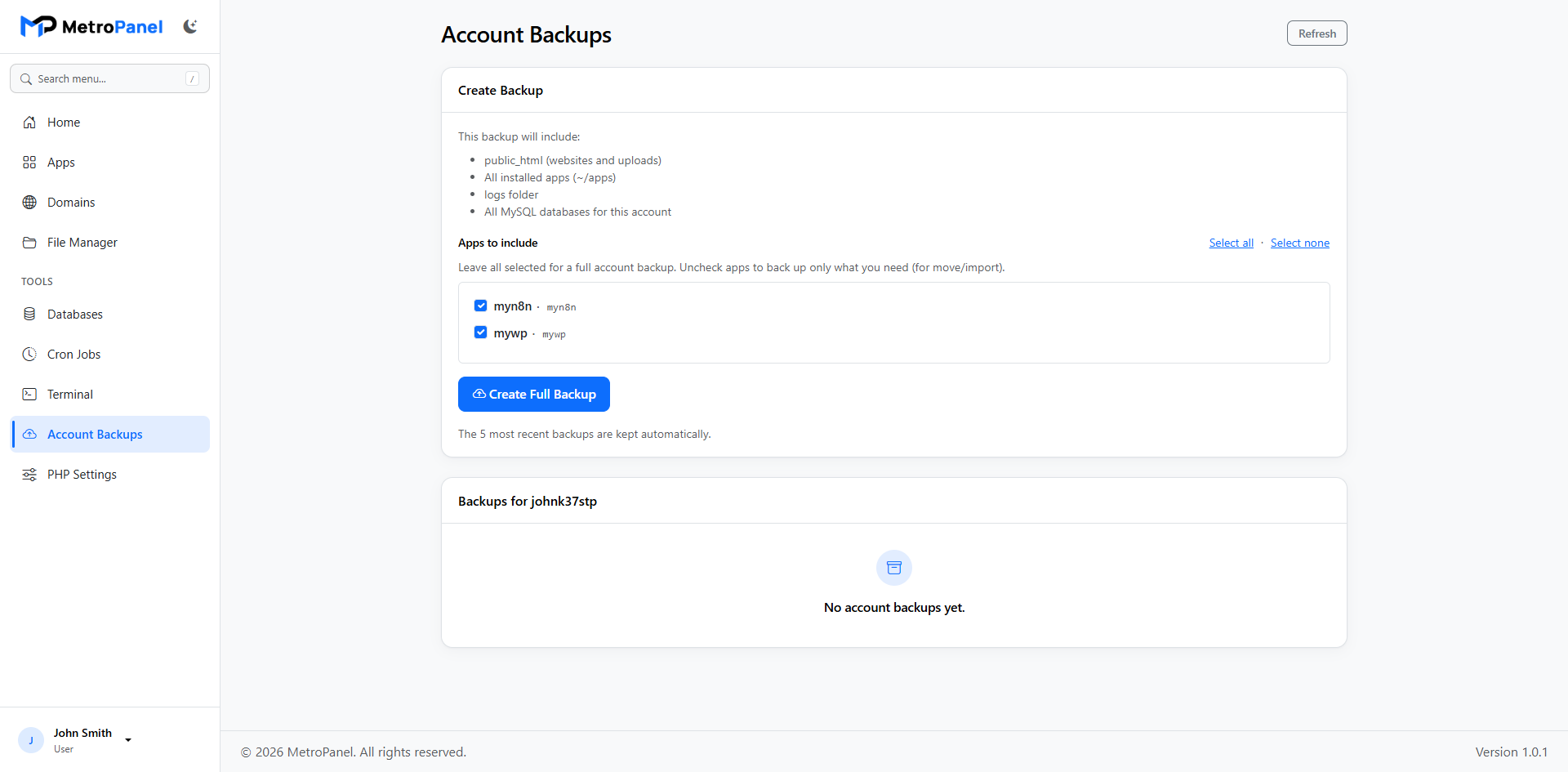
Back up, download, restore, and import full customer accounts.
Back up or restore a single app without touching the whole account.
Snapshot the control panel before major updates.
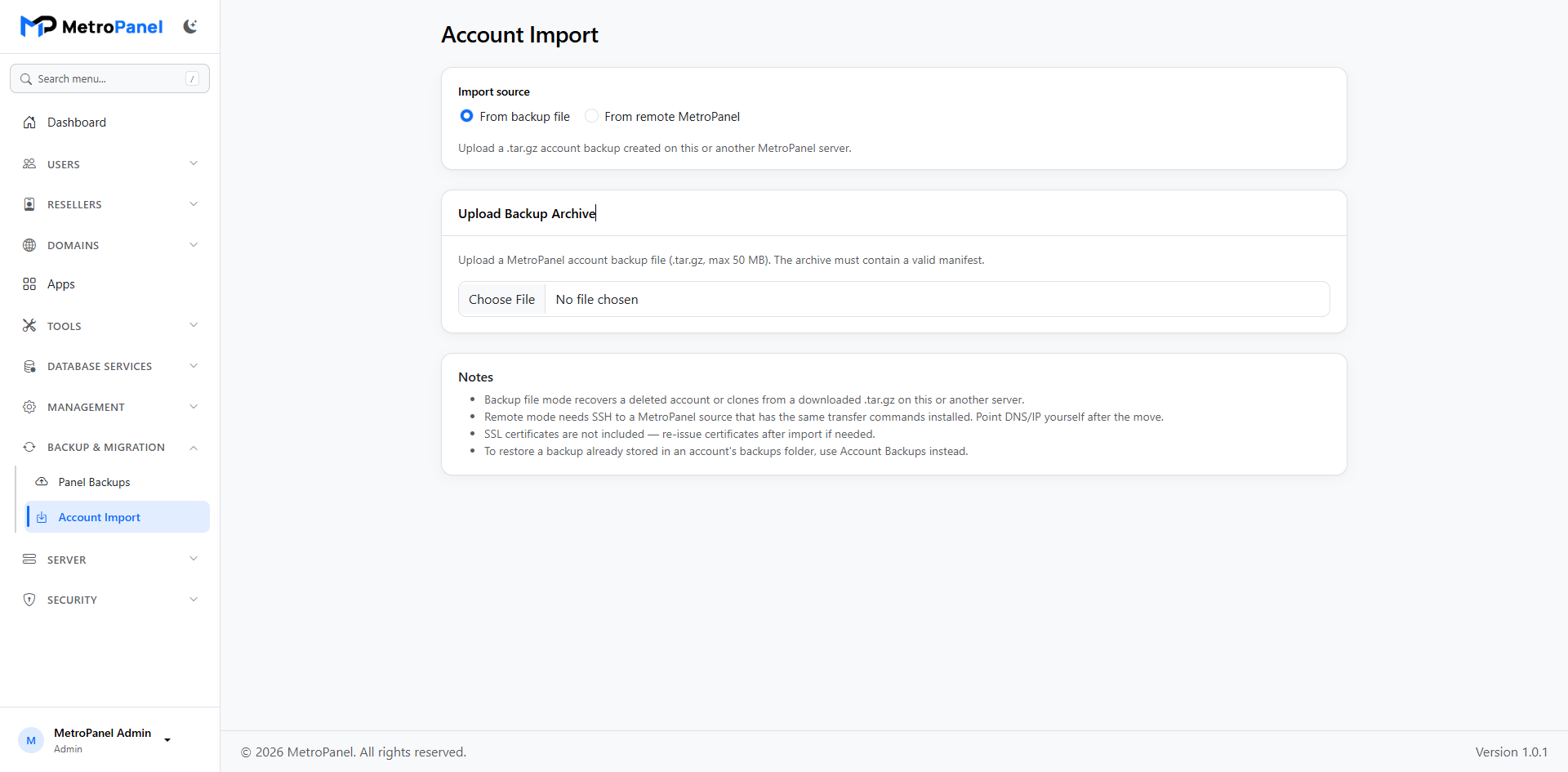
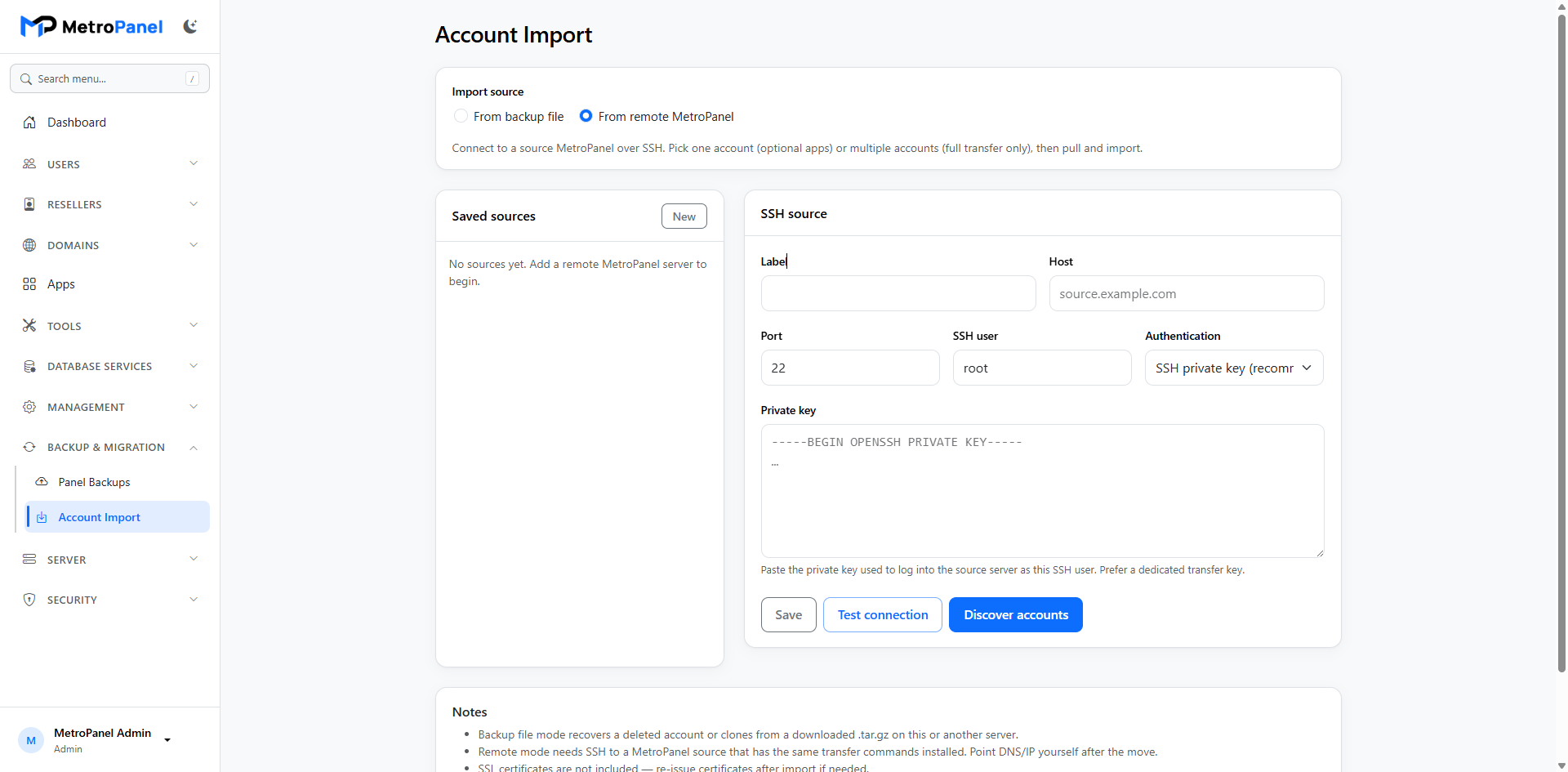
Import MetroPanel backups — including from another server over SSH.
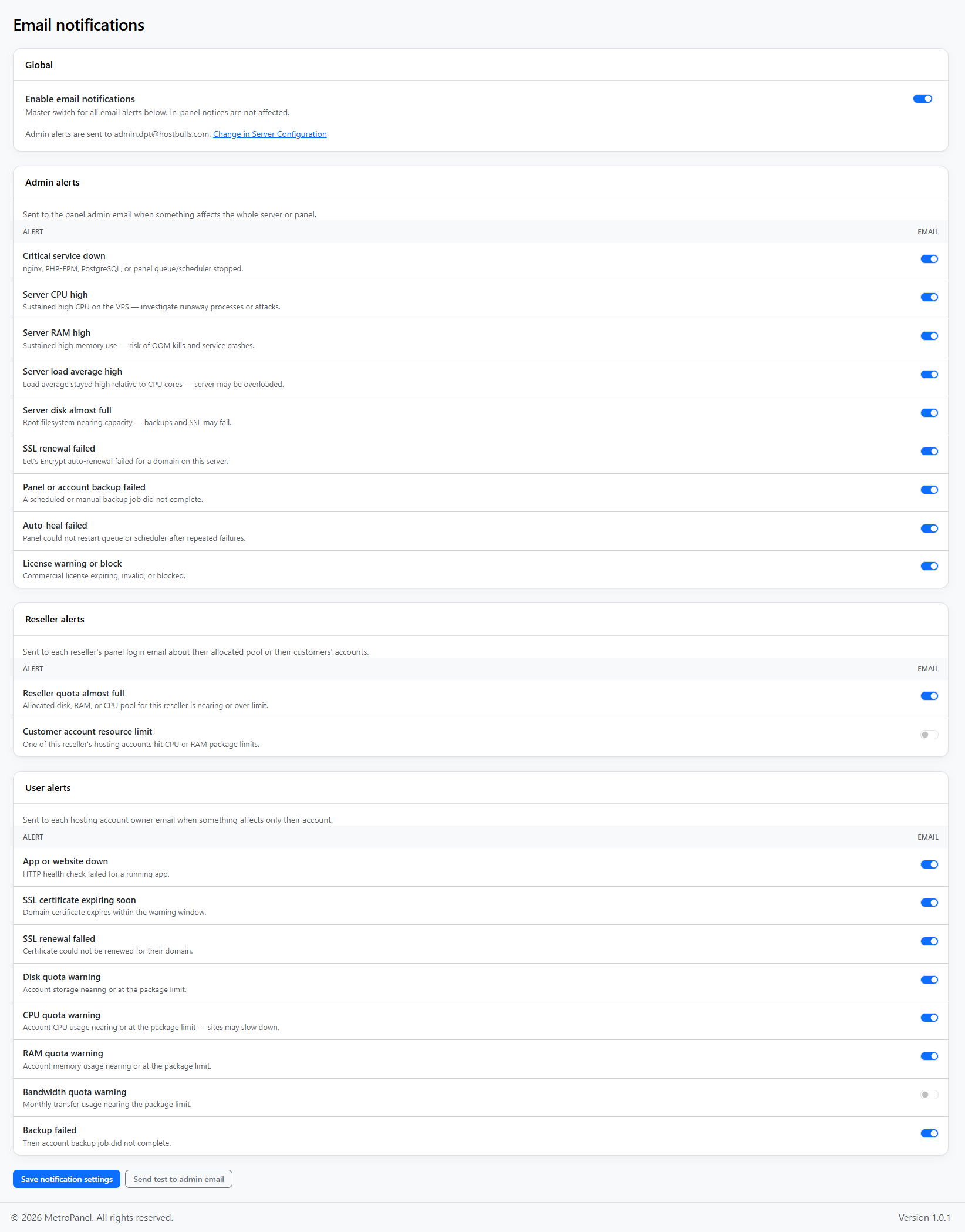
Turn alerts on or off by type — SSL, apps, quotas, server load, backups, and more.
Get notified when certificates expire, apps go down, or backups fail.
Smart cooldowns so the same issue does not fill your inbox every few minutes.